3D for e-commerce8 min read
3D models for e-commerce: the complete guide
What a 3D product model is, how one gets made, what it costs, where it goes on a product page and how to tell whether it worked. Everything in one place, with links to the detail.
By CharpstAR · 24 Sept 2026
This is the guide we wished existed when we started building 3D models for online shops in 2017. It is long on purpose. Each section gives you the short answer and then links to the article that goes deeper, so you can read it straight through or jump to the part you need.
What a 3D model does on a product page
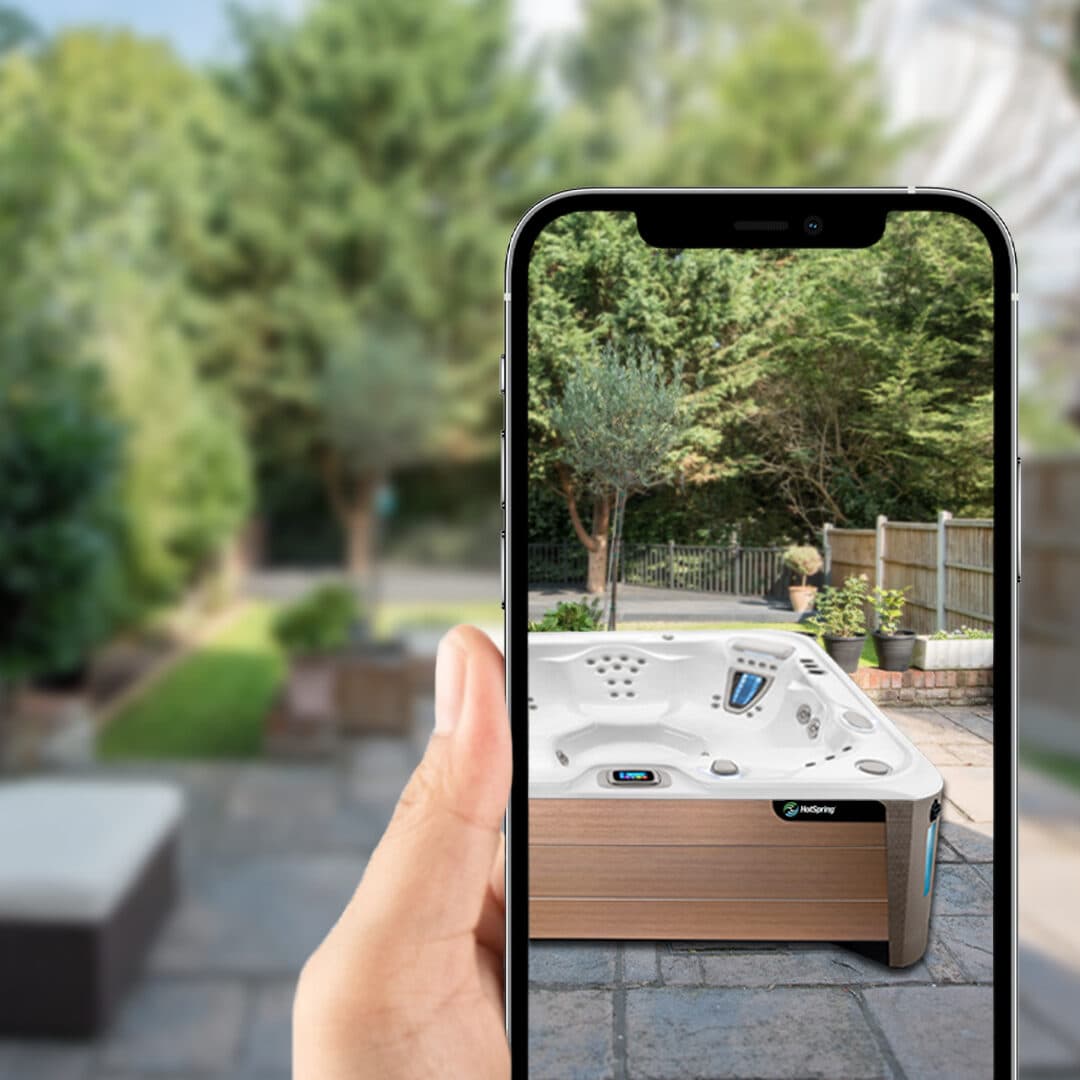
A photo shows one angle, one light, one fabric. A 3D model is the product itself, described in geometry and materials, which the browser draws on demand. From the same file a shop gets a viewer the customer can turn, a real-size placement in the customer's room through augmented reality, a configurator that swaps fabrics and modules, and as many renders as the marketing team wants.
The practical effect is that the questions a shopper would normally ask a salesperson get answered on the page: how big is it, what does the back look like, does the oak match my floor. Shoppers who use the 3D view stay longer and convert more often than those who do not, but the honest reading of that evidence is more careful than most vendors make it sound. We go through it in What a 3D model actually does for an e-commerce product page and, more critically, in Does 3D increase online sales? Reading the conversion evidence critically.
The four things people mean by "3D"
The word covers four different deliverables, and buyers get quoted for the wrong one all the time.
- A model. The source asset: geometry, materials, textures. Everything else is made from it.
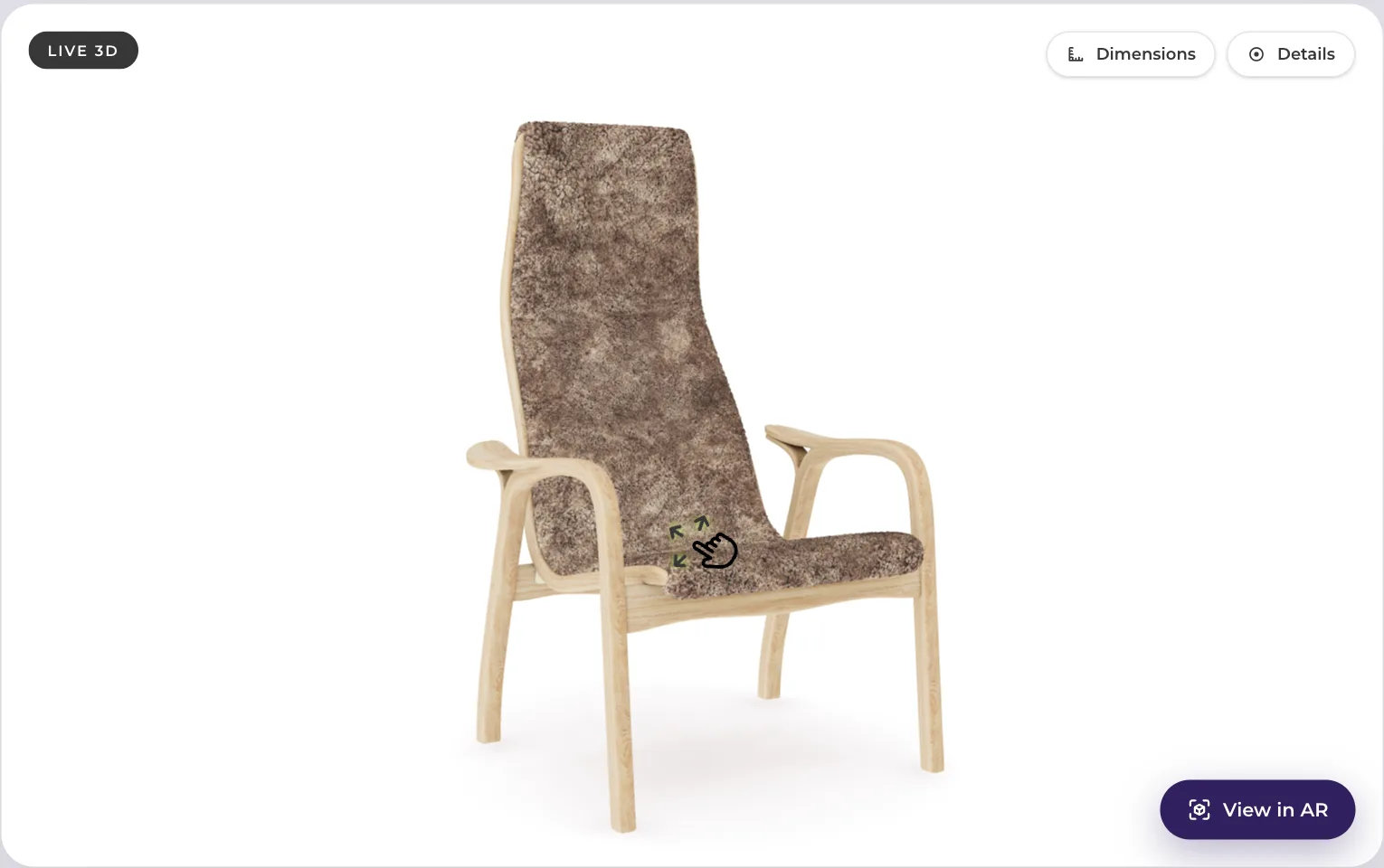
- A viewer. The model on a web page, turnable and zoomable, usually inside a tab on the product gallery.
- Renders. Still images or clips produced from the model, replacing or extending a photo shoot.
- A configurator. The viewer plus rules: which fabrics exist, which modules connect, what each combination costs.
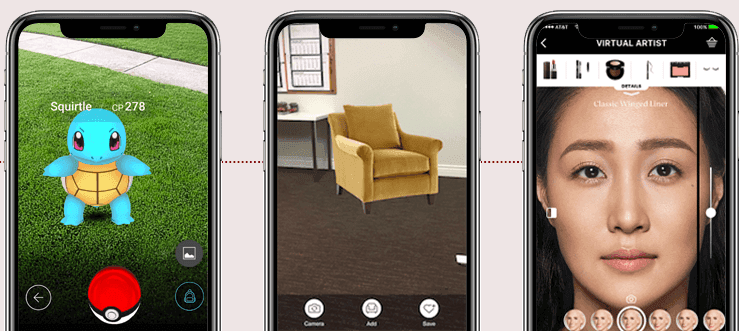
Augmented reality sits on top of the viewer, using the same file. The full breakdown, with what each one is for, is in 3D product visualization explained: model, viewer, render, configurator, AR, and the question of when each one pays for itself is in 3D product visualization in e-commerce: the four formats and when each one pays.
How a model gets made
There are three routes, and the right one depends on what you can supply.
- From CAD. If you manufacture the product, the engineering file already contains the exact geometry. It needs to be simplified for the web and given real materials, which is skilled work but predictable work.
- From photos and drawings. A 3D artist models the product by hand, checking against reference photos and the published dimensions. This is how most furniture and home products get built, because the CAD either does not exist or belongs to a supplier.
- By scanning. Photogrammetry and, increasingly, AI reconstruction turn photographs into geometry. Good for organic shapes and one-offs, weak on clean edges, glass, chrome and anything that needs to be configurable.
The trade-offs are in Making a 3D model from photos: photogrammetry, manual modelling or AI. Whichever route you take, the finished model has to be accurate enough that a customer who buys on the strength of it is not surprised by the delivery. What "accurate enough" means for dimensions, colour and materials is the subject of How accurate does a 3D product model need to be? Dimensions, colour, materials.
Formats, and why there are two
Web 3D has settled on two files. GLB (the binary form of glTF) is what browsers and Android use; it carries geometry, materials and textures in one file. USDZ is Apple's format, needed for AR Quick Look on iPhone and iPad. A production pipeline exports both from the same source, and a product page serves whichever the device asks for. If a vendor delivers only one, your AR will work on half the phones.
Two settings decide whether the model loads fast: the polygon count and the texture resolution. A chair that renders beautifully at four million polygons is useless on a phone over mobile data. The numbers that work, and how to keep a heavy model from wrecking your page speed score, are in How to put a 3D model on a mobile product page without wrecking your page speed.
Viewer, 360 spin or video
A 360 spin is a ring of photographs; it looks like 3D until the customer tries to zoom into the seam. A product video shows what the director chose to show. A real 3D viewer lets the customer look at what they care about, at real scale, and feeds the AR and configurator from the same asset. Each has a place, and each has a cost. The comparison, including where a spin is genuinely the better choice, is 3D viewer, 360 spin or video: what each one shows and what each one costs.
Once you have a viewer, hotspots turn it into a salesperson: a marker on the armrest that explains the joinery, a marker on the seat that names the fabric. What to annotate, and how to write the notes so they sell rather than lecture, is in Hotspots on a 3D product model: what to annotate and how to write them.
Putting the model on the page
For most shops this is one script tag and one element in the product template, placed by whoever maintains the theme. Shopify, Shopware, Magento and WooCommerce all take it the same way. The model files live on a content delivery network so the shop's own server never touches them.
Augmented reality needs nothing more: on a phone, the viewer shows a View in AR button, and the same file opens in the customer's room at real size. What happens at each tap, on iPhone and on Android, is walked through in What happens when you tap View in AR, step by step on iPhone and Android, and the implementation detail, including the things that commonly break, is in How to implement web AR on an e-commerce site: formats, code and what breaks.
Configurators
A configurator is where a 3D model starts earning serious money, because it sells combinations that no photo shoot could cover. A sofa with five modules, twelve fabrics and three leg finishes has thousands of variants; a configurator shows every one of them and prices it live.
Building one is a different job from building a model. The fabrics need to be captured so they look right in every light, the rules need to know which modules connect, and the price needs to follow the choices. What a furniture configurator actually has to do before it earns its place is in What a furniture configurator actually has to do before it earns its place, and how the materials are built is in How fabrics and materials are built for a 3D product configurator.
What it costs
There are three ways to pay for 3D, and the cheapest one depends on how many products you have and how often they change.
- An agency builds models for a fee per model. Fine for a launch, expensive at catalogue scale, and the files are yours to host and maintain.
- An in-house team makes sense past a few thousand products a year. Below that, the salaries do not add up.
- A subscription charges per product per month with hosting, updates and the viewer included. That is our model, and the reasoning is in 3D as a service pricing: why we charge per product per month.
The three compared honestly, including the case for each, is Agency, in-house team or subscription: the three ways to get 3D models. If you are putting a number in next year's budget, Budgeting for 3D next year: per-product cost, catalogue size and what to cut works through per-product cost, catalogue size and what to leave out.
One cost comparison surprises people: a 3D model is often cheaper than the photo shoot it replaces, because it produces every angle, every colourway and every lifestyle scene without a studio day. Where that is true and where it is not is in 3D renders or a photo shoot? When each one is actually cheaper.
Beyond the product page
The model you paid for once can work in several places. Renders for the catalogue and the trade fair. Clips for social. Images for email and ads. A dealer portal for B2B buyers. Digital sampling before the first physical prototype. The list, with examples, is in Where a 3D model earns its keep away from the product page and One 3D model, reused: ads, social, email, product page and print.
Search engines
3D does not rank a page by itself, and anyone who tells you otherwise is selling something. What it does is measurable: longer sessions, fewer returns, richer product data. There is also a direct route into Google's own results. Merchant Center accepts 3D models for products, and a product with a model can show a 3D badge in Shopping. What Google actually documents is in Do 3D models help SEO? An honest answer, with what Google actually documents, and the Merchant Center requirements are in Getting your 3D products into Google Search: what Merchant Center actually requires.
Knowing whether it worked
The only trustworthy answer is a test: the same product page with and without the 3D view, split between visitors, run long enough to mean something. Most shops skip this and then cannot tell whether the lift they saw was 3D or the season. How to run the test properly, including the sample sizes, is in How to A/B test a 3D product page properly.
How to start
Pick one product that shows the model at its best, something with shape and material, not a flat white box. Get it built. Put it on the live page. Measure for thirty days. Then decide about the catalogue. That sequence is How to run your first 3D product page pilot in 30 days, and before you sign with anyone, ask them the questions in Questions to ask a 3D and AR vendor before you sign.
Or skip the first step. Send us one product and we build it as a web-ready model with AR, free, so you can run the pilot on your own page without buying anything. The free sample is here.
Terms used in this guide
GLB, USDZ, polygon count, PBR materials, photogrammetry, hotspots, AR Quick Look, Scene Viewer and the rest are defined in plain words in the glossary.