Guides5 min read
How to implement web AR on an e-commerce site: formats, code and what breaks
GLB for the web, USDZ for iOS, Scene Viewer on Android, model-viewer on the page. The practical build, the file budgets and the usual failures.
By CharpstAR · 4 Oct 2023 · Updated 22 Sept 2026
Part of 3D models for e-commerce: the complete guide

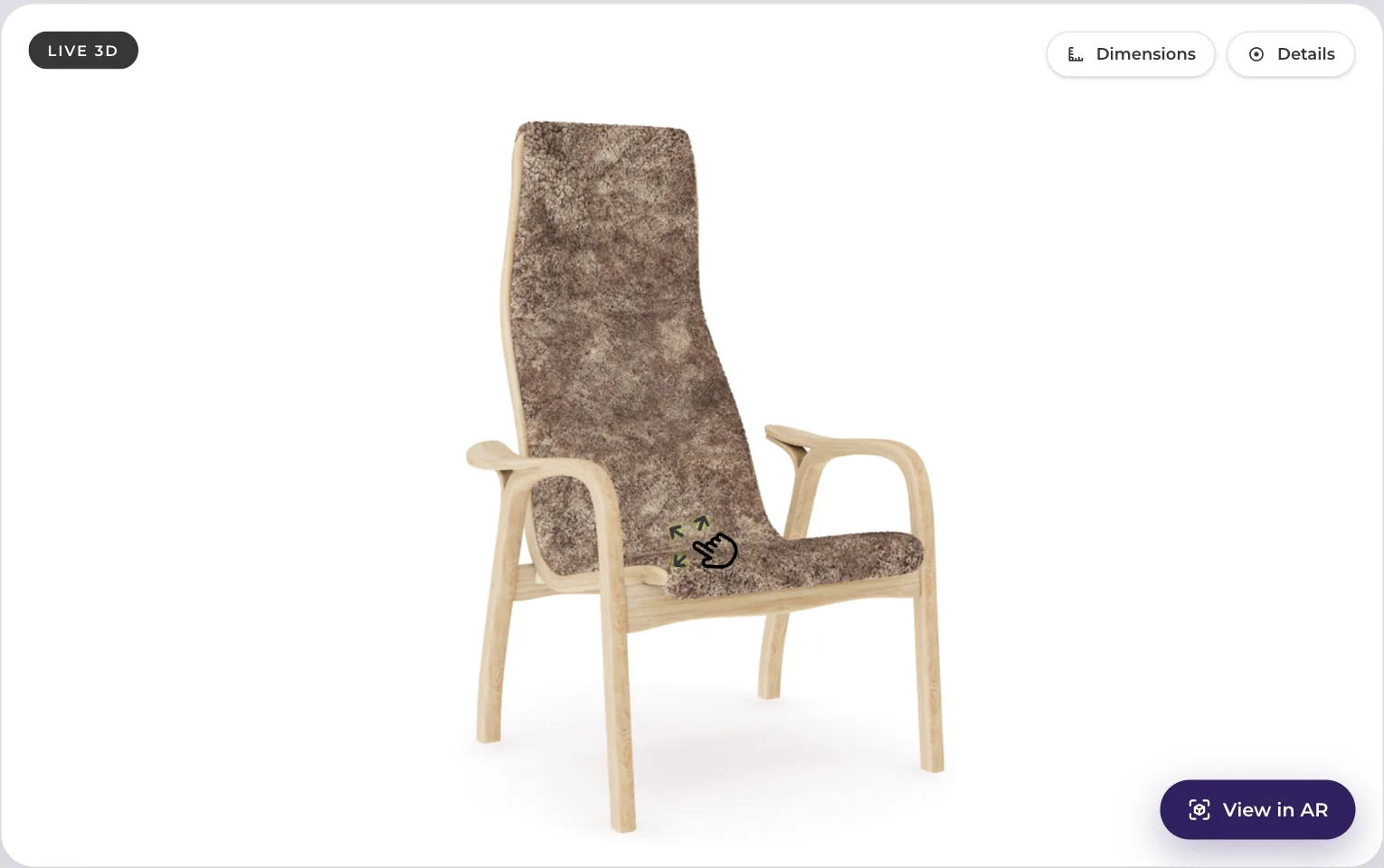
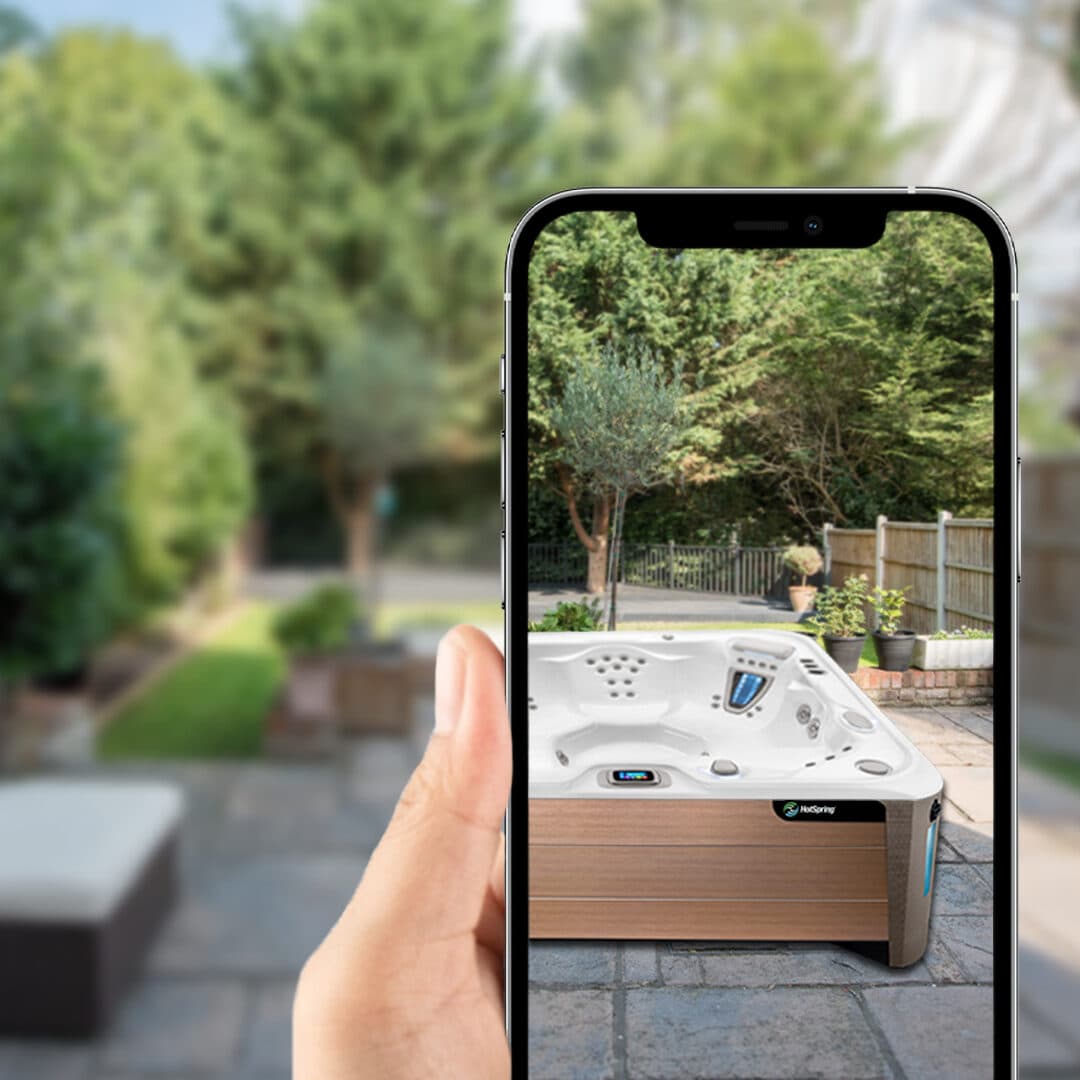
Web AR on a product page means one button that puts your product in the shopper's room, in the browser they are already using, with no app. The technology underneath is standard and free, which surprises people who have been quoted a platform fee for it. The work is in the 3D assets and in the details that break.
Here is the whole build, in the order you would actually do it.
The two files you need per product
There is no single AR format that covers both mobile platforms. You ship two exports of the same model.
GLB (binary glTF 2.0) is the web format. It is what the browser viewer loads and what Android's Scene Viewer takes. Google's Scene Viewer documentation gives concrete limits: glTF 2.0 or GLB, recommended under 10 megabytes with a hard ceiling of 15, up to 100,000 triangles with 30,000 to 50,000 being the comfortable range, a maximum of 10 materials and textures capped at 2048 by 2048. Our glossary has a short entry on Scene Viewer and how it opens a model from the page.
USDZ is Apple's format for AR Quick Look on iPhone, iPad and Vision Pro. Apple's documentation is clear that Quick Look takes USDZ and nothing else, and that the simplest integration on the web is a plain anchor tag pointing at the file.
You generate both from one source model. If a supplier hands you only one, ask for the other and ask for the source too.
The page code
The practical answer for almost everyone is Google's `
```html
ios-src="https://cdn.example.com/products/sofa.usdz"
ar
ar-modes="webxr scene-viewer quick-look"
ar-placement="floor"
camera-controls
shadow-intensity="1"
alt="Three seat sofa in grey fabric">
```
That is the integration. Add the component script, drop the element into the product template, feed it two URLs per product. On Android it opens Scene Viewer, on iOS it opens Quick Look, on a desktop browser it stays an interactive 3D viewer, which is where a large share of the usage actually happens.
Most hosted 3D vendors, ourselves included, give you a snippet that does the same thing with the asset URLs already resolved, so the change to your theme is one include rather than a build step. The value of the hosted version is not the component. It is that somebody else keeps the models, the exports, the CDN and the variant logic in order.
File size and hosting
Model weight is the single biggest determinant of whether the feature gets used. A shopper on a phone will not wait through a 30 megabyte download, and on many connections they will not see it load at all.
Targets that work in practice:
| Asset | Target | Hard limit |
|---|---|---|
| GLB for the web | 2 to 5 MB | 15 MB (Scene Viewer) |
| Triangles | 30,000 to 50,000 | 100,000 |
| Texture resolution | 1024 or 2048 | 2048 |
| USDZ | Similar to the GLB | Keep it comparable |
Shopify's 3D commerce guidance puts an ideal GLB at around four megabytes and notes that files over 15 megabytes get automatically optimised on their platform, which matches the Google numbers. Most well-prepared product models get there with Draco compression on the geometry and textures sized for the web.
Serve both files from a CDN, not from your application server, with long cache headers and correct MIME types. `model/gltf-binary` for GLB and `model/vnd.usdz+zip` for USDZ. Getting the MIME type wrong is a common cause of "it works on my machine and not in Safari".
What actually breaks
USDZ served with the wrong content type. Quick Look silently refuses to open. Check the response headers before debugging anything else.
Mixed content. AR requires HTTPS end to end. One asset URL on HTTP kills the whole thing.
The model is the wrong size. If the model is not built to real world scale in metres, AR will place a sofa the size of a shoebox. This is the most common problem with models bought cheaply or generated from photos without a measurement reference, and it is not fixable by scaling at display time without also breaking the dimensions.
No fallback. Desktop browsers and older phones do not have AR. The page must still show the 3D viewer, and the AR button should disappear rather than fail. `model-viewer` handles this if you let it.
In-app browsers. Instagram, Facebook and some email clients use webviews with restricted camera and intent access. A shopper arriving from a paid social ad may not be able to launch AR at all. Test that path specifically, because it is often your highest-traffic source.
Content Security Policy. If you run a strict CSP, the component script and the asset domain both need allowing. The failure is a blank space where the viewer should be.
Variants. If your product has colours, the viewer needs to swap the model or the material when the shopper picks one. If it does not, you have shipped a 3D model of the grey version on the page for the blue one, which is worse than no model.
A realistic sequence
- Pick ten products. The largest, the most returned, or the best sellers.
- Get accurate models built, to real world scale, with the source files delivered to you.
- Export GLB and USDZ within the budgets above.
- Put them on a CDN with correct MIME types and cache headers.
- Add `model-viewer` or a hosted snippet to the product template, behind a flag.
- Test on a real iPhone, a real Android device, Safari, Chrome, and at least one in-app browser.
- Measure viewer opens, AR launches, conversion and returns on those ten against the rest of the catalogue for a quarter.
Step two is the only expensive step, and it is the one that determines whether any of the rest is worth doing. A bad model in a perfect integration is still a bad product page.
We build models to those specifications and host them, with the integration included. The details are on solutions and the per-product pricing on prices. If you want to test the whole chain end to end before committing, send us one product and we will build and host that model for free so you can put it on a real page. Free sample here.
Sources
- Google, `
` . - Google, Scene Viewer supported formats and size guidelines.
- Apple, AR Quick Look and USDZ.
- Shopify, 3D ecommerce file guidance.