3D for e-commerce4 min read
Reusing one 3D model across e-commerce content marketing
What one 3D model produces for ads, social, email, product pages and print, the workflow from brief to render, and where the reuse argument has limits.
By CharpstAR · 25 Sept 2023 · Updated 9 Oct 2026
Part of 3D models for e-commerce: the complete guide

A 3D model of a product is usually commissioned for the product page. Once it exists, it is also the source for most of the images the marketing team will need for that product over the following years, and that is the part of the case that tends to get the budget signed off.
What a 3D model of a product consists of
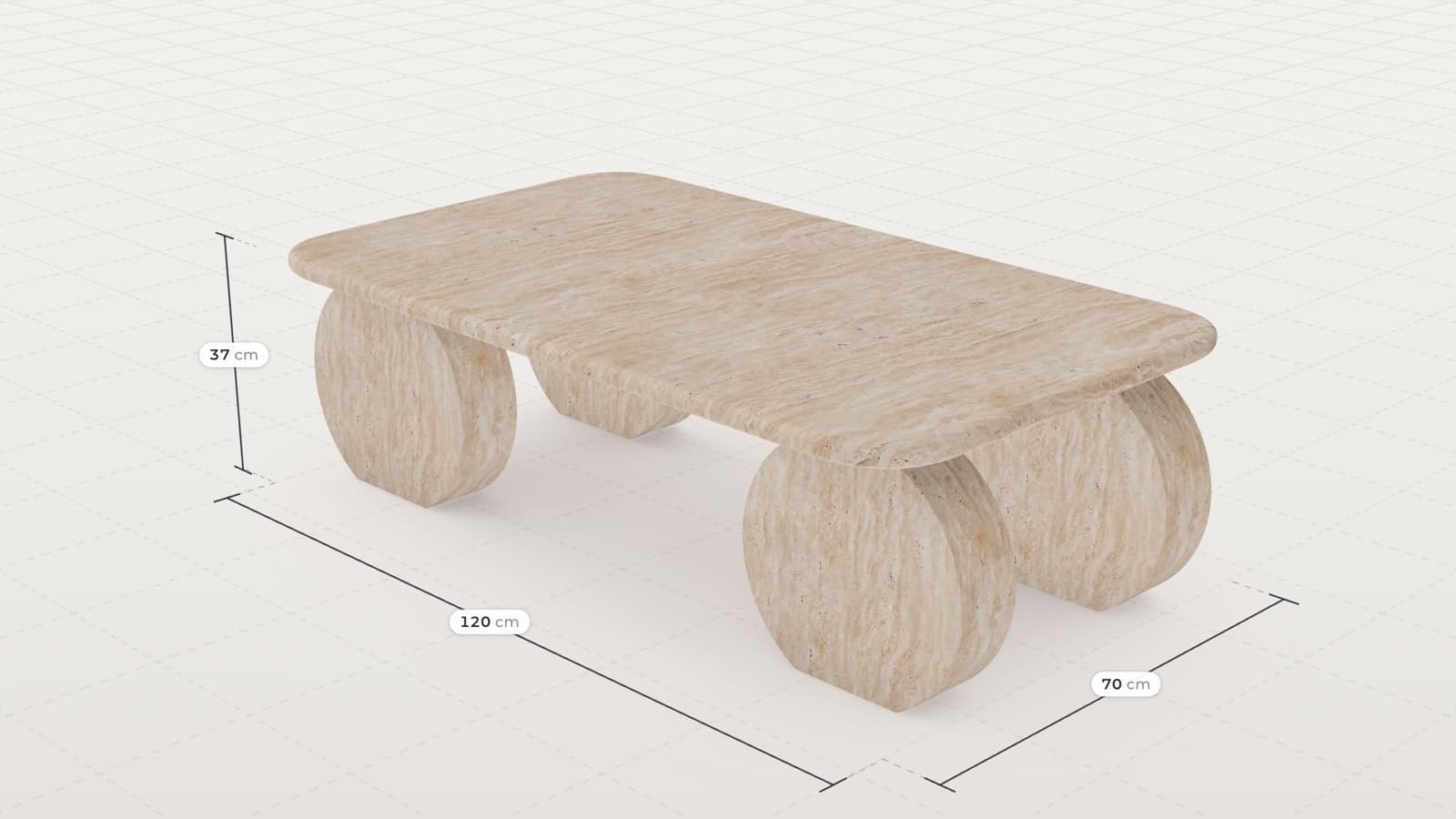
A 3D model of a product is geometry plus materials. The geometry is the shape at real dimensions; the materials are the surfaces, a fabric weave or a wood grain, set up to react to light the way the real ones do.
A finished model is a digital copy of the product that can be rendered from any angle, in any lighting and in any scene, without shipping the product anywhere, and rendered again whenever a new image is needed.
What one model produces
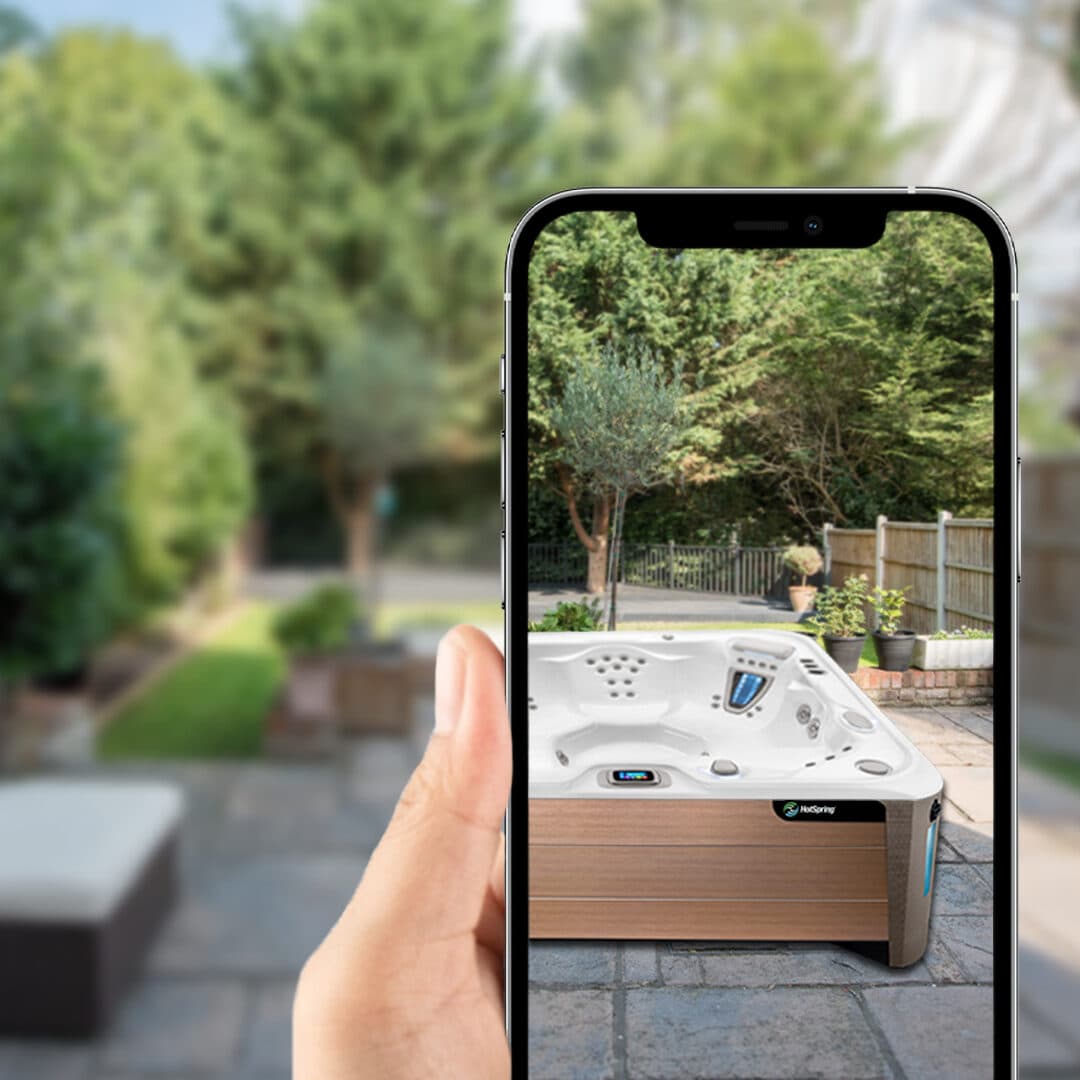
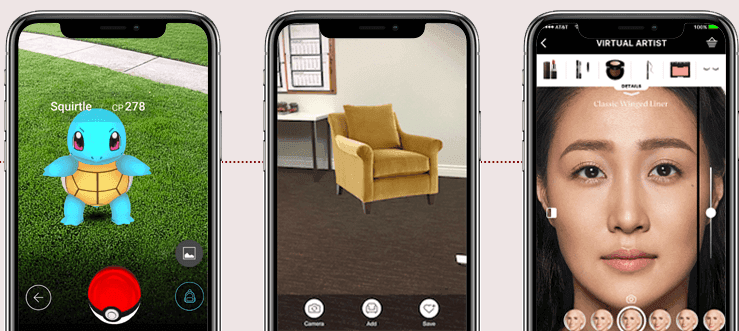
The product page gets the standard angles the template needs, such as front, three-quarter, back and detail, and they match across the whole catalogue because the camera and the lighting are the same file every time. The same model loads live in the page as an interactive viewer, so the shopper rotates and zooms it, and the same file opens in the phone's AR viewer so the shopper can place the product in their own room at true size.
For marketing, the model is dropped into a rendered room, a garden or a kitchen, and the wall colour, the season and the props can be changed without a location shoot. Turntable animations, exploded views and scale comparisons for paid social and display come out of the same model, at a lower cost than a video shoot; formats and sizes per platform are in our post on 3D renders and clips for Instagram, Pinterest and TikTok. Email images are rendered per campaign and matched to the promotion. Print gets high-resolution renders for catalogues, trade-show panels and retail POS, and because the model has no resolution limit the same asset serves a web thumbnail and a two-metre banner.
The largest saving is in variant imagery. If a product exists in twelve fabrics, photographing it means twelve shoots, while a model needs one asset and twelve material swaps. MELIMELI works this way: the same sofa model drives the configurator on the site and the rendered marketing imagery, including fabric close-ups, so a new colourway is a material swap.
The workflow from brief to render
- You send photographs from every angle including the back and underside, full dimensions, material close-ups and the commercially important variant list. CAD files, if you have them, shorten the job a lot. The most common cause of a slow first model is a missing measurement, because a modeller can infer a shape from a photo but can't infer that a seat height is 43 centimetres.
- A 3D artist builds geometry, then materials, which is where most of the hours go. A first model is typically about a working week to your approval. Later products in the same family go faster because the material library already exists.
- You look at it and mark what is wrong, and the modeller fixes it. Most products take one or two rounds.
- The model is delivered for the web as GLB for the browser and Android and USDZ for Apple, both kept small. Google's Scene Viewer guidance is to stay under 10 megabytes; Shopify's advice is that an ideal GLB is around four megabytes, and it optimises files over fifteen automatically. A heavier model loads slowly on a phone.
- A viewer snippet goes in your product template plus a field on the product record mapping SKU to model. In the integrations we have done this is usually an afternoon of developer work.
- From here the marketing team requests images from the model instead of booking shoots. A new render from an existing model is ready quickly enough to fit inside a campaign cycle.
Where the reuse argument has limits
| Limit | What it means in practice |
|---|---|
| Model quality caps every output | If the model is weak, every image made from it is weak, and they all have to be redone. |
| Humans and complex scenes are still hard | Products render well. People, pets and busy lifestyle scenes are a different discipline and often still cheaper to photograph. |
| Someone has to own render requests | If nobody is responsible for producing images from the model, the marketing team keeps booking shoots out of habit and pays for both. |
| Product changes need model updates | A new leg or a new fabric means a model revision. Budget for it, or the asset library drifts out of date. |
How to build the case internally
The reuse saving depends on your own photography budget. Take last year's photography invoices and count the shoots, the reshoots caused by a variant change, and the studio days. Then count how many of those images could have come from a model you already owned. The result is an estimate based on your own accounts.
Sources
- Shopify, 3D ecommerce for the file-size guidance.
- Google, Scene Viewer.