3D for e-commerce7 min read
Getting your 3D products into Google Search: what Merchant Center actually requires
How your products appear in 3D and AR inside Google Search through Merchant Center, what your shop gains, what the model has to be and what CharpstAR supplies.
By CharpstAR · 4 Oct 2023 · Updated 19 Oct 2026
Part of 3D models for e-commerce: the complete guide

Show your products in 3D and AR inside Google Search, with the model and the link supplied by us.
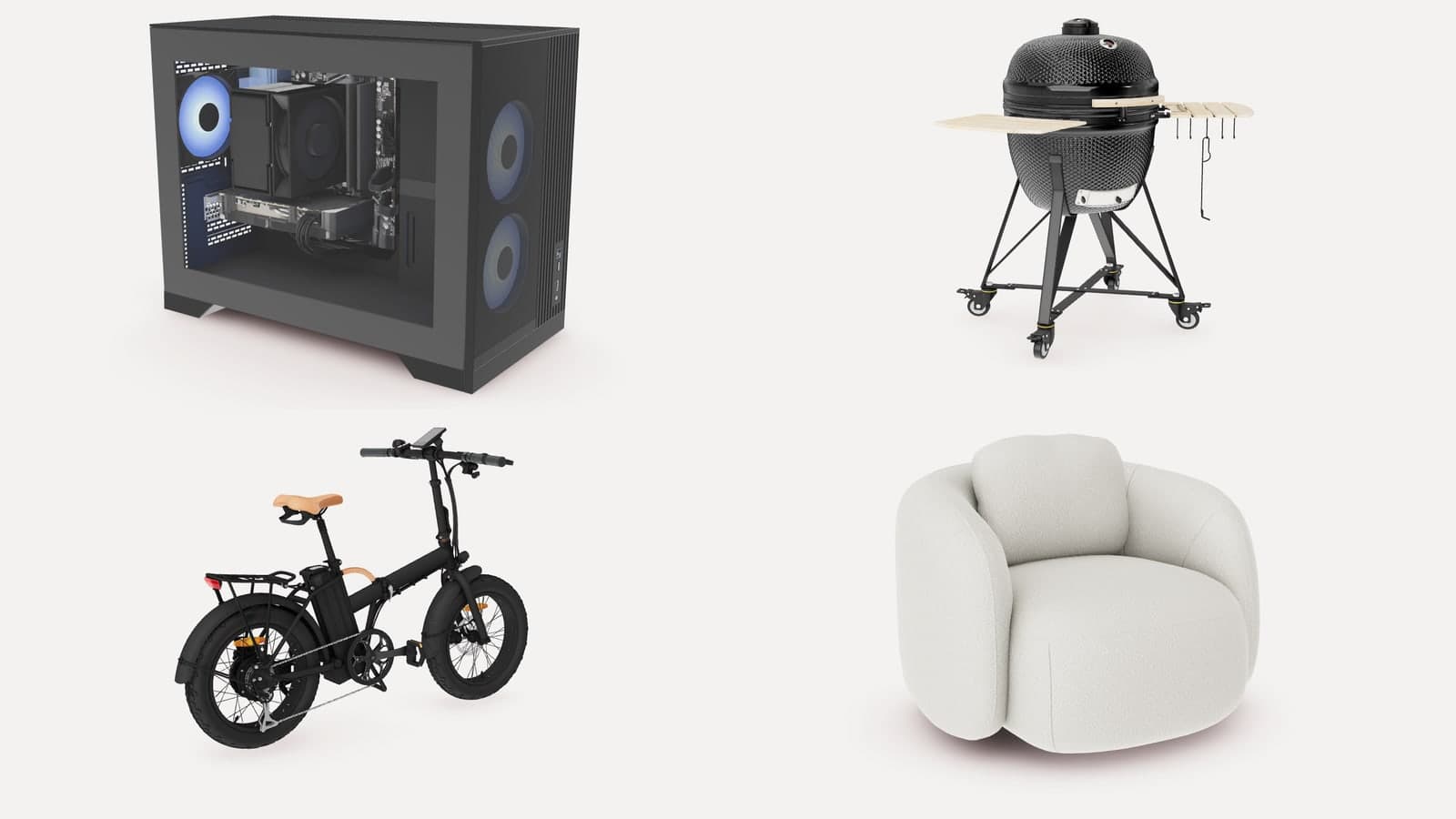
Imagine a shopper searching Google on their phone for a leather armchair. Your product appears in the results beside four competitors, each with a photo, a title and a price. One of those results lets the shopper turn the chair around and place it in their living room without opening a website. By the time they tap through to your page, they already know the chair.
Google only shows 3D results for products sold in the US. If you do not sell there, the rest of this page still applies to you in one respect: the model Google asks for is the same model that runs the 3D viewer and AR on your own product pages, so the work is the same and the feed is one more place it can go when you open a US channel.
Google supports this through Merchant Center, where a product in your feed can carry a link to a 3D model. Everything below is from Google's own help page for the attribute, linked where it applies. CharpstAR supplies the model built to Google's conditions and the public link Google needs, so your shop adds one attribute to its feed.
What Is a 3D Product in Google Search?
In Google Merchant Center you attach a 3D model to a product with the virtual_model_link attribute. Once Google has approved the model, the product can show on Google Search with an interactive 3D view and with AR, both inside the result.
Shoppers who find your product this way can:
- Turn the product around and view it from every angle
- Place it in their room with AR and check the size
- Land on your product page and find the same model in the same viewer, once the viewer is on your page
Google's help page sets out what the model and the link have to be:
| Requirement | What Google states |
|---|---|
| Attribute | virtual_model_link |
| File formats | glTF or GLB |
| Link | A public http or https address that Google can crawl |
| Size | Recommended 10 MB, maximum 15 MB; textures up to 4K recommended, 8K at most |
| Review | Google reviews each model before it appears, which can take up to two weeks |
| Market | Products sold in the US |
| Categories | Recommended for shoes and apparel; also usable for home goods |
The last two rows decide whether this applies to you. Google's documentation does not say a 3D model changes where your product ranks. What it changes is what the shopper sees in the result. To see whether a model you already have meets the format and size limits, drop it into our free 3D model checker.
Why Use 3D Products in Google Search?
Visits From Shoppers Who Have Already Seen the Product
A shopper who has turned your chair around inside the result has already done the looking they would otherwise do on your page. The visit starts further along, at colour, size and price.
Show the Size Before the Visit
AR from the result lets a shopper check that the armchair fits beside their sofa before they land on your page. The size question is answered before the shopper has reached your site.
Get More Out of One Model
The file Google asks for, a GLB at real-world scale, is the same model that runs your product page viewer, Android AR, a configurator and rendered images; iOS AR takes a USDZ made from the same model. Google is one more place the model goes.
Use Case: A Sofa Range Added to the Feed
How It Works
- We build the model in GLB, at real-world scale, inside Google's size and texture limits.
- We host it on our CDN at a public link that Google can read and that stays the same for as long as the product is on sale.
- You add the link to the product in your feed as the virtual_model_link attribute.
- Google reviews the model, which can take up to two weeks. You then check the product's status in Merchant Center.
- The same model runs the viewer and AR on your product page.
What Arrives in Your Feed
| What you receive | Detail |
|---|---|
| The model | A GLB built to Google's conditions, one per product |
| The link | A public address for each model, for your feed |
| The product page viewer | One snippet for your product page template |
| The AR files | The GLB for Scene Viewer on Android and the USDZ for AR Quick Look on iOS |
| Updates | Changes to a model are made on our side and the link stays the same |
Clients Whose Models Serve More Than One Channel
Sweef, Contura and MELIMELI use their models on their own websites and in AR, and none of them is in Google's US 3D results yet, so the proof here is for the part that carries over: one model serving several channels, with the feed as a further use. Sweef's modular sofa configurator was built from 3D files Sweef already had. Contura's stove models run the Build Your Stove configurator and AR, and the same tool is available to its retailers in store. MELIMELI's customers view sofas in 3D across fabrics and test them at home with AR, and the same models support MELIMELI's image generation.
How to Add 3D Products to Google Search
Step 1: Check the Market
Confirm which of your products are sold in the US, since those are the only ones the attribute applies to.
Step 2: Send Us the Feed and the Products
Send us the product IDs from your feed with the product page links, the dimensions and any CAD files or close photos of the materials you have.
Step 3: We Build and Host the Models
We build each model to Google's conditions, host it at a public link and send you the link for every product. You test the models in the viewer on your own page at the same time.
Step 4: Add the Links to Your Feed
Add the virtual_model_link attribute to each product in Merchant Center and allow up to two weeks for review. The viewer goes on your product page as one snippet, whatever your shop runs on.
How to Measure the Effect of 3D in Search
| KPI | What to measure |
|---|---|
| Approved models | How many products in the feed carry an approved 3D model |
| Click-through rate | Whether listings with a 3D model draw more clicks |
| Bounce rate from Google | Whether visitors from the results stay on the product page |
| Conversion rate | Whether visitors from the results buy more often |
| Return rate | Whether fewer orders come back for the wrong size or look |
Compare products with and without the model over the same period.
How Much Does a 3D Model for Google Search Cost?
Every plan includes the model, the hosting that gives Google its public link, and the product page viewer. Basic is priced from 10 dollars per SKU each month on a 12-month term with 100 variants as the minimum. Value, from 20 dollars a model each month on a 24-month term, adds five rendered product images and a colour and texture configurator. Setup is free, and the full plan table is on prices.
Is 3D in Google Search Right for Your Business?
This applies to shops that sell in the US through Google Merchant Center, because Google limits 3D results to products sold there. Putting 3D models in your feed suits your shop if:
- Your products are furniture or home goods, or shoes and apparel
- Size and fit decide whether a customer orders
- Your products come in many variants that are hard to photograph
- You already want a 3D viewer and AR on your product pages
- You sell outside the US and want the same model on your own product pages now, in the feed later
See One of Your Products Built to Google's Conditions
Send us one product and we build it to Google's conditions for free. You get the model, the link for your feed, and the viewer on your own product page, so you can see both before you decide. Send us one product. What a full catalogue involves is on solutions, and the plan table is on prices.