3D for e-commerce4 min read
Web AR vs app AR: reach, capability and cost for retailers
Web AR compared with app-based AR for retail: how many shoppers each reaches, what each can do, what they cost, and when an app is justified.
By CharpstAR · 4 Oct 2023 · Updated 29 Sept 2026
Part of Augmented reality for furniture retail: the complete guide
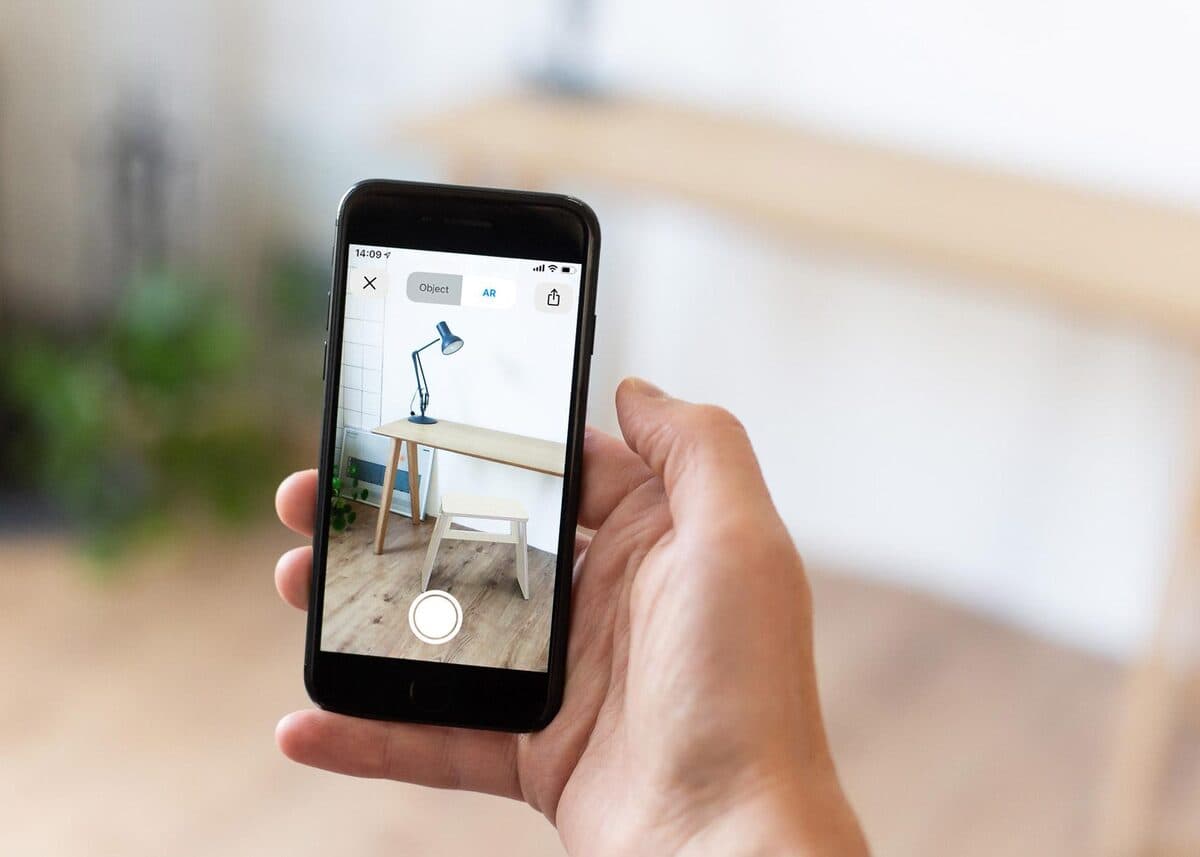
Retailers have built AR apps since ARKit and ARCore arrived in 2017, and the browser route has improved a great deal since. The two differ in reach, in what they can do and in what they cost.
What each one is
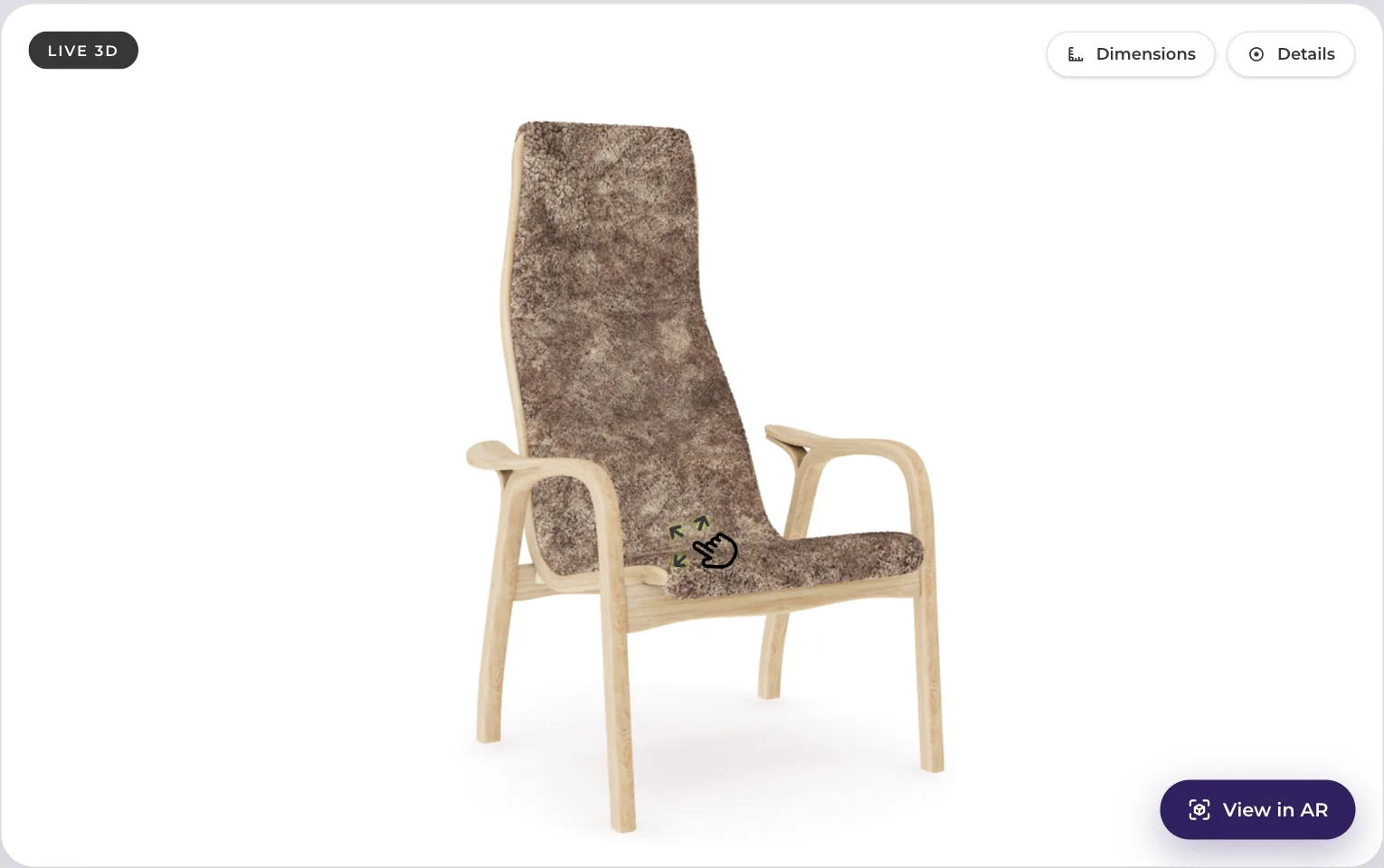
Web AR means the shopper taps a button on your product page and the product appears in their camera at real size, with nothing installed. On iPhone and iPad this hands a USDZ file to Apple's AR Quick Look, built into iOS since version 12 and iPadOS since 13, and working directly in Safari. On Android it hands a glTF 2.0 or GLB file to Google's Scene Viewer, which needs an ARCore supported device running Android 7.0 or later with up to date Google Play Services for AR. The glossary entry on Scene Viewer covers what it does with the file.
The phone runs the AR session. Your website only supplies a file and a link.
App AR means the shopper downloads your application, which contains an AR mode built on ARKit or ARCore directly. You control the whole experience and build and maintain all of it.
Reach
Reach is where the two differ most.
A shopper who is already on your product page is one tap away from web AR. To use an app, the same shopper has to visit the app store, download the app over mobile data, create an account, grant permissions and find the product again. Some people give up at every one of those steps.
The shopper who most needs AR is often comparing you with other shops in other tabs, and is unlikely to install an app to look at one sofa. People who keep a retailer's app on their phone tend to be regular customers already.
An app also has to be built once per platform. Web AR covers iOS and Android with the same two files, and the 3D viewer itself also runs on desktop, which an app doesn't.
What an app can do that web AR can't
The system viewers are built around placing one object per session. An app built on ARKit or ARCore directly can add:
- Persistent scenes with several objects, so a sofa, a rug, a lamp and a table are still in position when the customer comes back the next day.
- Room scanning and saved floor plans, so the customer measures a room once and uses the measurements again.
- Occlusion and tracking beyond what the default viewers offer.
- Deeper interaction, such as opening a drawer, running a mechanism or following a guided assembly sequence with custom controls.
- Your own interface inside the AR session, including your own add-to-cart flow in place of the system's.
If your offer depends on one of those, an app makes sense. Interior design planning tools are the clearest example, because planning a whole room with saved state needs an app.
Cost
| Web AR | App AR | |
|---|---|---|
| Build | Viewer component on the product page template, plus models | Two native builds, backend, account system, AR mode |
| Per-product cost | Model in GLB and USDZ | Same models, plus integration into the app |
| Maintenance | Viewer updates, format conversions | Yearly OS releases, store reviews, two codebases |
| Distribution | The link the shopper is already on | App store optimisation, install campaigns, paid installs |
| Reach | Every mobile visitor, plus desktop for the 3D viewer | Only people who install |
| Time to first live product | Weeks | Months |
Maintenance is the heaviest line in that table. An app needs a team for as long as it exists, for two operating systems, yearly OS releases, store policy changes and customer support. With web AR, your supplier keeps the models in the right formats and your front-end team keeps one component up to date.
An app also needs an install campaign, which is a budget line web AR doesn't have.
The models are the same either way
The 3D models are the same files in both cases. The geometry and materials you commission for web AR are what an app would use too. If you start with web AR and later decide you need an app, you already own the most expensive part.
Starting with web AR keeps that option open. If the analytics then show that customers want to plan whole rooms and the product page can't serve them, the app can be built on the model library already in place.
What web AR is good enough for
The questions that hold up a large purchase are mostly about one object at real size, such as whether a sofa fits between the window and the door or how much of the wall a bookcase covers, and Quick Look and Scene Viewer both handle that.
How to decide
Web AR fits a retailer whose question is whether the product fits and suits the shopper's room.
An app fits where the product needs persistent planning of whole rooms with several objects, where customers already open the retailer's app regularly, and where a permanent mobile team is funded.
Web AR that goes unused costs a few models and a template change; an app that nobody installs costs two native builds and the team that made them.
Sources
- Apple, AR Quick Look.
- Google, Scene Viewer documentation.