3D for e-commerce8 min read
Seasonal Campaign Planning With 3D and AR in Ecommerce
Get 3D models and AR live on your summer sale, Black Friday and January products in time. What to prepare for each peak, and when to start.
By CharpstAR · 4 Oct 2023 · Updated 14 Oct 2026

It's the first warm Saturday of the year. Your garden furniture campaign went out on Thursday, and the ads are sending more people to the lounge set than on any day since August. On the product page there are two studio photos and a size table. A customer standing on his balcony with a tape measure can't tell whether the corner sofa leaves room to open the door, so he saves the page for later.
3D and AR help most on these days, if the models are live before the traffic arrives. Like product photography, a 3D model takes weeks to make and keeps working for years, so it belongs on your photography calendar, well ahead of the campaign banners.
What Does 3D and AR Add to a Seasonal Campaign?
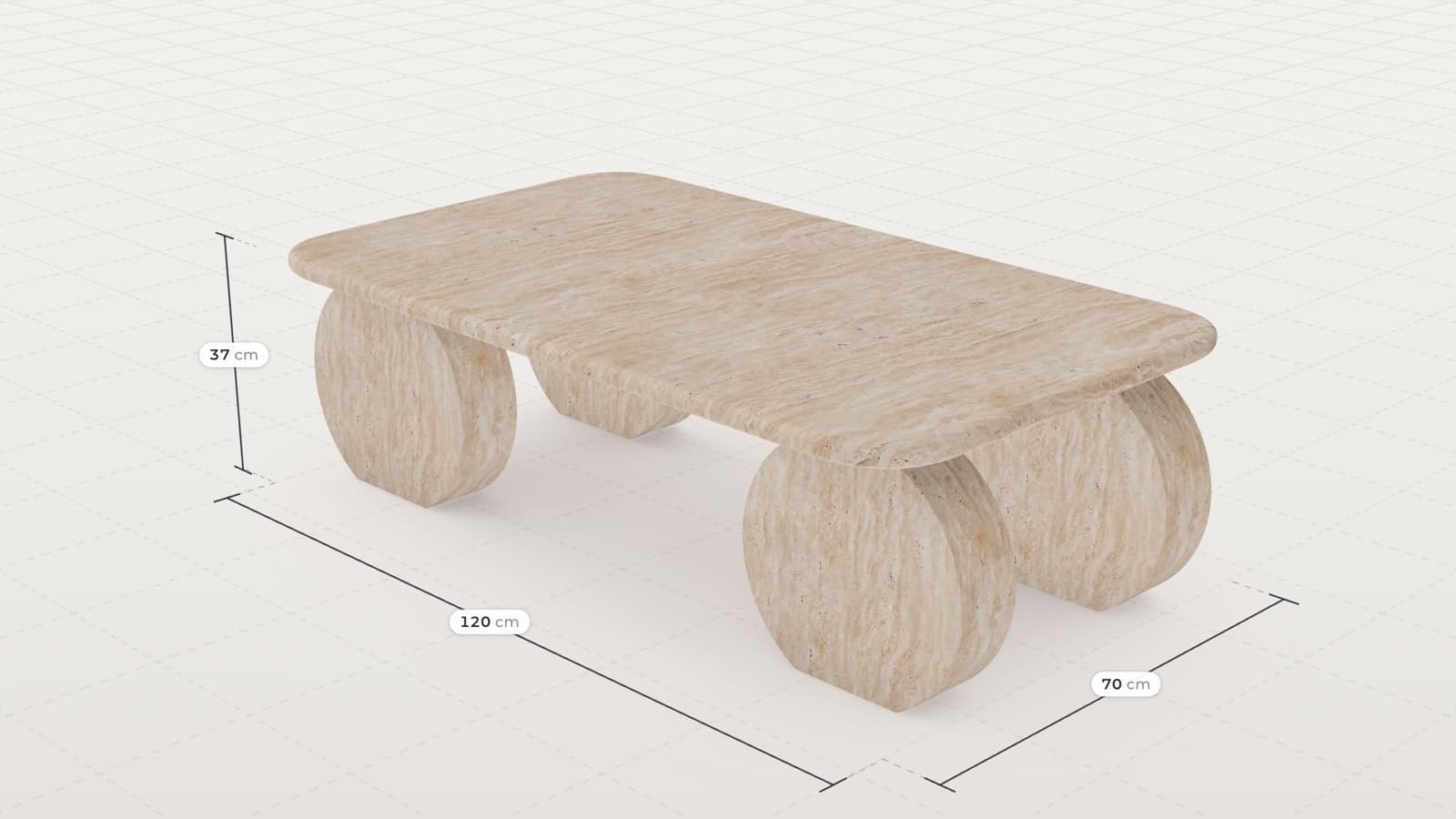
In a seasonal campaign, 3D and AR go on the products the campaign pushes. Each of those products gets a 3D model on its product page, a View in AR button that stands it in the customer's garden or living room at real size, and the measurements shown on the model.
The same models also make the campaign images, such as a garden set rendered in a summer scene for ads and email.
Why Use 3D and AR in Your Seasonal Campaigns?
More Value From Your Most Expensive Traffic
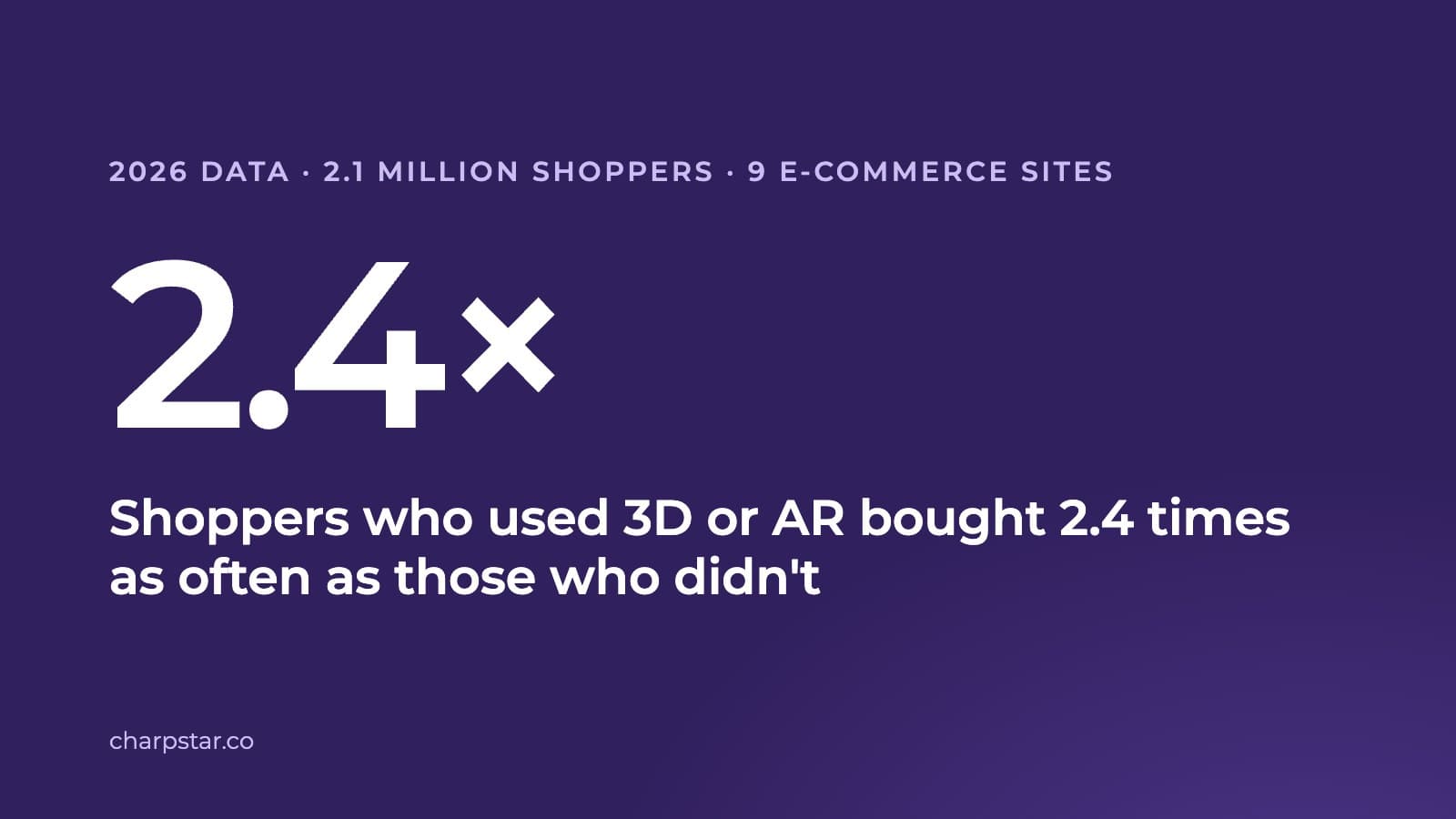
During a sale you pay for far more visitors than in a quiet week, and each point of conversion is worth more. Shopify's merchant data from 2020 showed product interactions involving 3D or AR content converting 94 percent more often than comparable products without it, and Rebecca Minkoff reported that shoppers who viewed a product in AR were 65 percent more likely to purchase. Whatever your own version of that lift turns out to be, it's worth the most on your busiest days.
Fewer Returns After the Peak
The National Retail Federation and Appriss Retail put United States returns at 743 billion dollars in 2023, 14.5 percent of sales overall and 17.6 percent online. A product page that answers the size question before checkout prevents some of those returns, and the saving is largest in the weeks with the most orders.
Summer Images in the Middle of Winter
You can't photograph garden furniture in a summer garden in February, but you can render it from the product page models, early enough for your agency and ad schedule.
Assets That Work Again Next Season
A 3D model keeps working every season after the first one, on the product page, in ads, in email and in print. Paid for from one campaign budget, it costs more than when it's spread over the seasons it serves.
Use Case: A Summer Sale on Garden Furniture
Traffic for garden furniture, grills, parasols and play equipment rises with the first warm weekend, and the weather sets that date, so the assets have to be ready before it.
What to Have Ready for the Outdoor Season
- The hero products modelled, with AR on their product pages, because outdoor goods are bought for a particular patio or balcony and size is the main doubt
- Measurements on the model, since outdoor space is measured and limited in ways indoor space often isn't
- Renders of the same models in a summer scene, for ads and email
How It Works for the Customer
- The customer clicks your summer ad and lands on the lounge set
- He turns the set in the 3D viewer and reads the width and depth on the model
- On his phone, he taps View in AR and stands the set on his balcony at real size
- He checks that the door still opens, and orders during the sale
The Other Peaks in the Year
Black Friday and Christmas: Start in August
This peak needs the assets finished earliest, because many shops freeze changes to the product template in November. Anything that touches the product page should be live and tested by the end of October. Put 3D and AR on the twenty or so products the campaign is built on. Gift buyers are shopping for someone else and know less about the product, so show size against a hand, what is in the box and close-ups of the material. Plan for the January returns that follow a strong Black Friday, and order the campaign renders early.
The January Sale: Start in October
In January, home, furniture and fitness shoppers are reorganising a room and want to know whether the piece fits in the corner where the Christmas tree stood. AR room placement on storage, seating and home gym equipment matters most, with accurate measurements, since these buyers check the space before they order. If you sell modular products, a configurator suits them too, because they plan their purchase more than they buy on impulse.
Your Calendar in One Table
| Peak | Start production | Live on site by | Main asset |
|---|---|---|---|
| Outdoor and garden | January | Mid March, before the first warm weekend | AR placement plus summer renders |
| Back to school and autumn home | June | Mid August | 3D on the pushed products |
| Black Friday and Christmas | August | End of October, before the code freeze | 3D, AR and campaign renders on the campaign products |
| January sale and reset | October | Late December | Room placement and measurements |
Brands Using CharpstAR 3D and AR
Contura sells wood-burning stoves with Build Your Stove, a configurator with AR that customers use online and retailers use in their shops. Contura saw more engagement with stove specifications and downloads, and customers often arrived at a retailer with a clearer idea of the stove they wanted.
Sweef uses a modular sofa configurator with WebAR, so shoppers can work through the combinations of a sofa on the product page and see it in their room before they buy.
How to Get 3D and AR Ready Before Your Next Peak
Step 1: Choose the Campaign Products
Pick the products the campaign promotes and the ones with your worst return rates.
Step 2: Send a Complete Brief
Most late models are held up by the brief. A modeller can work out a shape from photographs but can't work out that a seat is 43 centimetres high. Send photos from every side, including the back and the underside, full measurements, close-ups of the materials and the list of variants that matter for sales. CAD files shorten the job a lot.
Step 3: Approve the Models
By the next working day we tell you what the products need and what they cost, and the first model is a free sample. Models are usually built in about two weeks, with later products in the same family going faster because their materials already exist. Leave room for a round of changes and for your own internal approval.
Step 4: Book the Integration Early
The viewer goes into your product template with one snippet and loads the models from our CDN. Book the developer time in September, before the peak work starts. Load the viewer after the main image, keep the files small, and don't push a new heavy model live during a peak week. Google's Scene Viewer guidance recommends models under 10 MB.
What to Measure During the Campaign
Compare the campaign products with the same products in last year's campaign, or with similar products without 3D:
| KPI | What to measure |
|---|---|
| Campaign conversion rate | Whether ad traffic to 3D products converts better |
| AR opens | How many visitors place the product in their garden or room |
| Return rate after the peak | Whether fewer campaign orders come back for size |
| Render use | How many ad and email images came from the models |
| Support questions | Whether fewer customers ask about size during the sale |
What Does 3D and AR for a Campaign Cost?
The models you buy for one campaign stay on the product pages afterwards, so the cost is spread over every season that follows. The Basic plan starts at 10 dollars per product per month on a 12-month term, with the model, AR, hosting and yearly updates included. The Value plan starts at 20 dollars per model per month on 24 months and includes five rendered product images per model and a 360 render viewer. Both plans start from 100 products or variants, and there are no setup fees.
Who Should Plan 3D Into Their Seasonal Calendar
This planning suits shops that:
- Sell garden furniture, grills, play equipment or other goods with a short season
- Run Black Friday or January campaigns on furniture, home or fitness products
- Spend heavily on ads for a few weeks a year
- See returns rise after their busiest weeks
- Need campaign images before the products can be photographed outdoors
Get One Campaign Product Live Before the Peak
Try 3D on one product you plan to push before you commit the whole campaign. We build its 3D model and AR for free, and you can run it on your own page through the season. Send us one product with your campaign date, and we'll tell you what fits before then.
Questions
How early should we start before a campaign?
Start production two to three months before the products need to be live, which leaves time for the brief, the models, your approval and the integration.
Should we put the whole catalogue in 3D for a sale?
No. Start with the products the campaign promotes and the ones with the most returns, then add more after the peak.
Sources
- Shopify, merchant data on 3D and AR content, September 2020, and AR shopping.
- National Retail Federation and Appriss Retail, 2023 Consumer Returns in the Retail Industry.
- Google, Scene Viewer for model size guidance.