Furniture and home4 min read
Augmented reality in the furniture industry: buyer's guide
How a furniture retailer should choose a 3D and AR supplier: the questions to ask, where pricing hides costs, and what a sensible first project looks like.
By CharpstAR · 21 Mar 2023 · Updated 29 Sept 2026
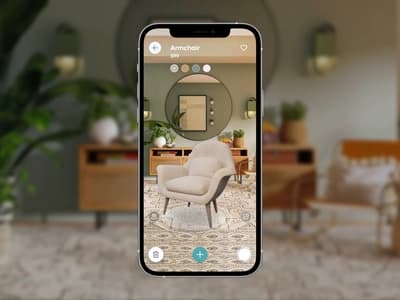
A furniture retailer usually meets 3D and AR through a demo. A sofa turns on a laptop, someone holds up a phone and the sofa appears on the meeting-room floor, and then somebody asks what it would cost for the whole catalogue. This guide is about what comes after that meeting: comparing suppliers, the questions to put to them, where pricing hides costs and how to scope a first project.
What a retailer buys under "3D and AR"
The package has four parts, and each is priced in its own way.
| What you buy | What it is |
|---|---|
| The models | A 3D model of each product, built from your photos and drawings with real materials. This is the labour, and it's where quality is decided. |
| The viewer | The code that shows the model on your product page, with rotate, zoom, dimensions and hotspots. Usually a script tag or a plugin. |
| The configurator | The viewer plus your product rules: fabrics, legs, modules and prices. It's a project of its own; our sofa configurator is an example of a finished one. |
| AR delivery | The same model exported so a phone can open it in the shopper's room from a web link. |
Some suppliers sell software only and expect you to bring the models. Some sell models only. Others, us included, sell the whole chain for a monthly fee per product. Any of these can work. When you compare quotes, check whether the models are in the price, because a software licence without them will look far cheaper than a full-service quote.
The questions to ask a supplier
How the models are made
Ask who builds the models and from what: photos and drawings, a scan, or a generated model. Photogrammetry scans are quick to produce but heavy, they have the lighting baked in, and they can't show a fabric you haven't manufactured yet. A generated model guesses the back of the product from the front. Only models built by hand from drawings can be reconfigured later.
The materials up close
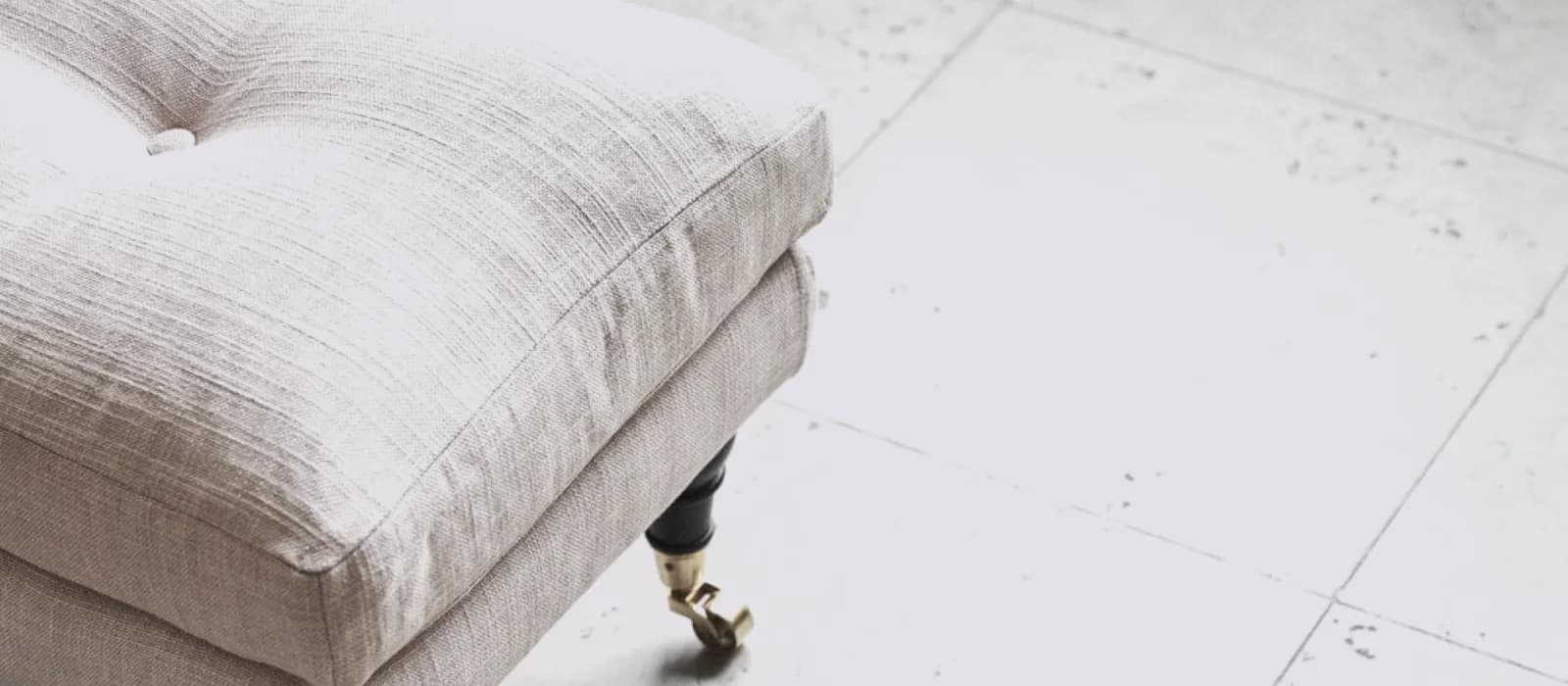
Zoom right into the fabric and the wood on the supplier's demo, as shoppers will. Repeating tiles in a weave and leather that looks like plastic are the two faults we see most often.
How scale is checked
Ask how each model's dimensions are checked against the product sheet, and by whom. A sizing error is hard to see while the model turns on screen. It shows up in AR, where the shopper is placing the sofa against their own wall and measuring the gap.
Furniture
Armchair
Woven fabric, wooden feet.

The two questions above, asked of one armchair: the fabric up close, and the size.
Catalogue changes and discontinued fabrics
Ranges change every season. Ask what a texture change costs, what a new module costs and what happens to the models if you stop paying. A model nobody maintains is out of date within a year.
File ownership and hosting
The models are your product data. Check that the contract makes them yours, and that they're served from a CDN fast enough that the viewer doesn't hold up the rest of the page.
The pricing traps
| Model | Looks like | Watch for |
|---|---|---|
| Per model, one-off | Cheap per unit | Updates and variants cost extra; no one owns keeping it current |
| Software licence, bring your own models | Low monthly fee | The models are the expensive part and are not included |
| Monthly per product, all included | Higher per unit | Minimum volume and contract length; check what "included" covers |
| Enterprise custom | Flexible | Integration hours; the configurator rules are where the hours go |
We're in the third row. One monthly fee per product covers modelling, the viewer, AR, hosting and yearly updates, and the figures are on the prices page. We chose that model so that one party is responsible for keeping the catalogue correct.
Furniture figures to look for
For furniture, returns are the numbers to ask about. Online furniture returns run at about 22.7 percent, and about 58 percent of those come down to size and space (Eightx benchmarks). Dimensions on the model and AR placement address that reason directly.
What a good first project looks like
Start with about twenty products. Pick the ones with the most size-related returns or the most configuration questions to customer service, which usually means sofas, beds, modular seating and large storage. Have them modelled properly, put the viewer above the fold with an AR button, and badge those products on the category page so shoppers learn to look for it. After a month, compare viewer use, AR use, conversion and returns on those products with the month before.
Contura started with its Build Your Stove configurator, which customers use online and its retailers use in store to guide the sales conversation.
A free model of one of your products
If you send us one product, we'll build it in 3D and AR free, with dimensions and hotspots.
Sources
- Shopify, merchant data on 3D and AR content, September 2020 and AR shopping: Rebecca Minkoff and Gunner Kennels results.
- Eightx, Furniture and home return rate benchmarks 2025.
- WebKit, Viewing augmented reality assets in Safari for iOS.
- Google Merchant Center Help, Display your products in 3D and augmented reality.