3D for e-commerce4 min read
How augmented reality changes shopping behaviour
What shoppers do on a product page with a 3D model and AR, and what the published figures say about add to cart, orders and returns.
By CharpstAR · 4 Oct 2023 · Updated 22 Sept 2026
Part of Augmented reality for furniture retail: the complete guide
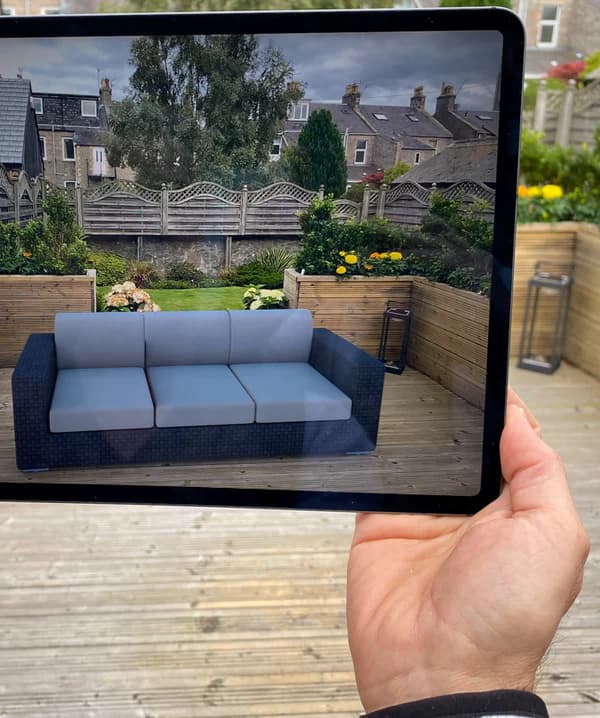
A product page with a 3D model and an AR button changes what shoppers do on it, and some of those changes show up in numbers. The figures are Shopify's and are linked at the end.
Shoppers rotate the model first
Most shoppers who reach a 3D model rotate it. It needs no camera permission, and it answers questions that photos leave open: what the back looks like, how thick the frame is, where the seams are, which side the cable comes out of.
Rotation happens on desktop as well. AR placement is a phone feature, while rotation works everywhere, and on most of the pages we work on it's by far the more common of the two.
Garden
Hot tub
Moulded seats and jets.

A hot tub you can turn and measure. Switch the dimensions on to read the width, depth and height.
Shoppers check the size
A dimension line drawn across the model gets read by shoppers who skip the spec table.
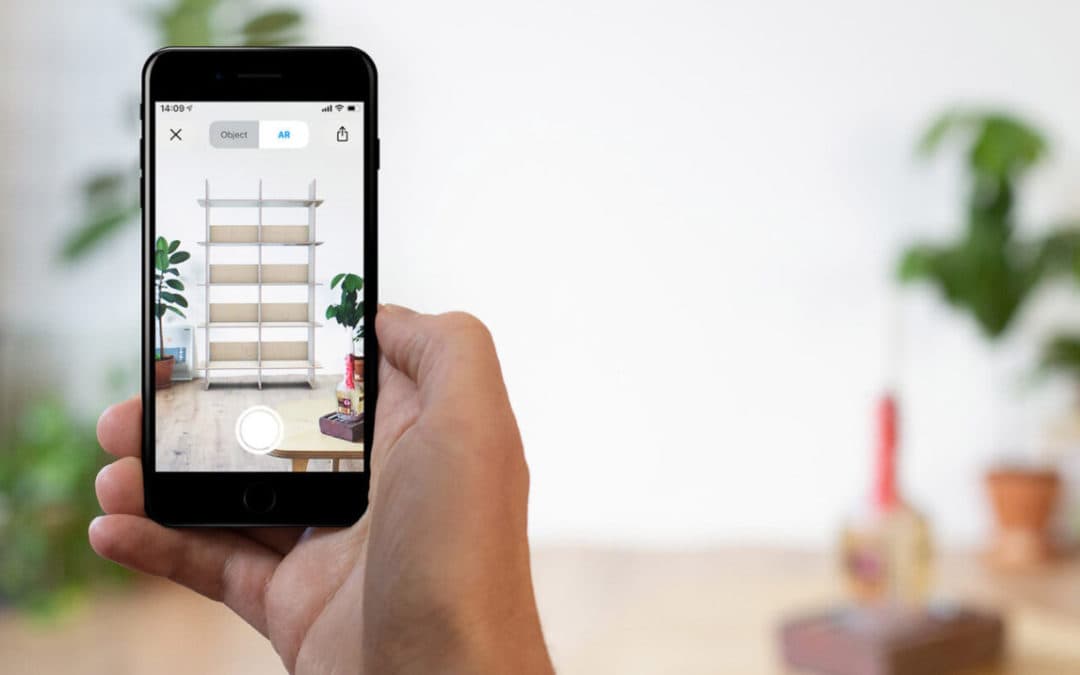
On a phone, AR places the model in the room at true scale, so instead of working out whether 212 cm is too wide, the shopper sees whether the sofa fits between the window and the door. Checking a size this way is one of the most common reasons our clients' customers open AR.
More add to cart and more orders
Shopify reported in 2020 that interactions with products carrying 3D or AR content converted 94 percent more often than the same kind of products without. The comparison is between product interactions, with no control group, and merchants tend to model their better products first, so some of the gap is selection.
The Rebecca Minkoff figures Shopify published are more detailed. Shoppers who interacted with a product in 3D were 44 percent more likely to add it to their cart and 27 percent more likely to place an order, and the AR-enabled product pages saw a 65 percent purchase lift.
| Behaviour | Reported effect | Source |
|---|---|---|
| Add to cart after 3D interaction | 44 percent more likely | Shopify, Rebecca Minkoff |
| Order placed after 3D interaction | 27 percent more likely | Shopify, Rebecca Minkoff |
| Purchases on AR-enabled pages | 65 percent lift | Shopify, Rebecca Minkoff |
| Conversion on products with 3D or AR | 94 percent higher | Shopify, 2020 |
| Return rate after adding AR | Down 5 percent | Shopify, Gunner Kennels |
Shoppers come back to the page before buying
Rotation and AR placement give people a reason to open the page again. They send the link to a partner, open it in the room they're furnishing and place the model a second time against another wall. In client analytics this shows up as repeat sessions on the same product URL before the purchase.
Sharing counts are easy to misread. An AR screenshot sent to a partner reaches very few new people. It helps one household agree on a purchase, so it counts towards conversion and brings in few new visitors.
Fewer returns for products that have to fit a space
The published AR figure on returns is small. Shopify reported that Gunner Kennels reduced return rates by 5 percent after adding AR. That's a 5 percent reduction in the return rate, far less than five percentage points. AR prevents the returns that come from a product being the wrong size or scale for the space. Returns caused by colour drift, quality disappointment, late delivery or a shopper who ordered three variants to keep one are unaffected. The part AR does reduce is largest in furniture, appliances, lighting and anything else that has to fit somewhere.
What stays the same
A 3D model doesn't make up for a page that is missing stock information, a delivery date or a clear return policy, and it doesn't bring in shoppers who weren't already considering the product.
The share of people who use AR at all also stays low. On most of the pages we see, a minority of mobile shoppers place the model in AR.
Setting up the product page
Put the 3D viewer above the fold on mobile or directly below the main image, where people see it without opening a tab. Add dimension lines to the model so size checking works without AR. Keep the AR button visible but secondary. Then measure the rotation rate, the AR open rate and the conversion difference between sessions that interacted with the model and sessions that did not, and compare against your own baseline instead of the numbers in this article.
We build a 3D model of one product free so you can put it live and measure this on your own page; send us the product.