3D for e-commerce4 min read
The survey data on Gen Z shopping and augmented reality
What the surveys say about younger shoppers and AR, who commissioned each one, and what follows from them for a fashion product page.
By CharpstAR · 4 Oct 2023 · Updated 22 Sept 2026

The survey numbers on younger shoppers and augmented reality come from a handful of studies, each paid for by a company with a stake in the answer. Below they are listed with who commissioned each one, and what you can reasonably take from them when you build a fashion product page.
The 92 percent figure and who paid for it
The most quoted statistic in this field is that 92 percent of Gen Z want to use AR for shopping. It comes from research Snapchat commissioned from Crowd DNA, covering 16 markets and about 16,000 people, reported in April 2022. The same study found 60 percent said AR experiences feel more personal and more than half would pay more attention to advertising that uses AR.
The sample is large and international. It was also paid for by a company that sells AR advertising, and a question like "would you like to use AR when shopping" invites a yes.
Vertebrae, now part of Snap, asked people what they had used. In its research, 43 percent of younger consumers said they had tried AR tools while shopping online, around 20 percentage points more than shoppers over 45, and 39 percent of those who used them said it made them more likely to buy.
The same research found that 60 percent of younger shoppers name uncertainty about fit and how a product will look as their main hesitation online. That's the figure the product-page section below starts from.
What merchant data shows
Merchant data is firmer than what people say in surveys. Shopify reported in September 2020 that product interactions involving 3D or AR content converted 94 percent more often than comparable products without it. The figure covers all shoppers, with no Gen Z split, so it points the same way as the surveys without confirming them for this age group.
What to put on a fashion product page
Younger shoppers hesitate over fit and appearance, and they are more willing than older shoppers to use an interactive tool to settle that. The table lists what that means on a product page.
| What to build | The doubt it answers | Effort |
|---|---|---|
| A rotatable 3D model in the gallery | What does this look like from the back, underneath, at an angle the photographer did not shoot. | Medium |
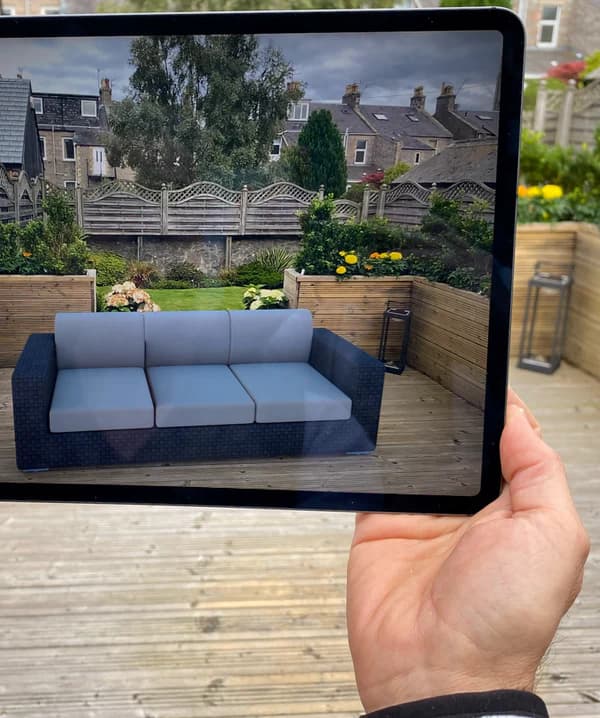
| An AR button that opens native phone AR | How big is this in my space. Opens in the phone's own AR viewer from the page. | Low once the model exists |
| The item shown on more than one body size | Will it look like that on me rather than on a sample-size model. | Medium |
| Real measurements, in the shopper's units, on the page | Which of two sizes to order. | Low |
Accurate measurements are the cheapest item on the list, and they answer the hesitation the Vertebrae survey found.
Rigid products and garments in AR
Younger shoppers use AR most on the products it handles well. Eyewear, watches, bags, shoes seen from above and anything that stands in a room all keep their shape. The phone tracks the floor or the face and the model appears at true size, so the shopper can see whether it fits or suits them.
Garments on a moving body are harder. Fabric drapes and stretches, and a phone camera doesn't measure shoulders. Avatar try-on gives a shopper some idea of colour and cut on a body roughly like theirs. It's not a fitting room, and we know of no published figure showing avatar try-on reducing size returns.
Load speed on mobile
A viewer that takes five seconds to load on mobile data holds up the product images below it, so keep the file small.
Google's Scene Viewer documentation puts the model size at 10 megabytes and the recommended limit at 100,000 triangles, with 30,000 to 50,000 as the ideal range. Shopify's own advice is that an ideal GLB is around four megabytes. A 40 megabyte file exported straight from a CAD system loads on an office connection and stalls on mobile data.
Where to start if you sell fashion
Start by putting real measurements and clear fit notes on every product page, which needs no modelling budget. Then add 3D and AR to the rigid products: eyewear, bags, watches and footwear. If you want to try garment try-on after that, put it on a few garments first and compare their return rate with the same garments' rate in the previous quarter.
Sources
- Retail Dive on the Snapchat and Crowd DNA study, 92% of Gen Z want to use AR for shopping, April 2022.
- Total Retail on Vertebrae research, Gen Z and Millennials Rely on AR to Overcome E-Commerce's Blind Spots.
- Shopify, merchant data on 3D and AR content, September 2020.
- Shopify, 3D ecommerce, for the file-size guidance.
- Google, Scene Viewer model size and performance guidance.