Fashion4 min read
What shoppers use in augmented reality for fashion
Fashion shoppers use AR for eyewear, watches and bags and rarely come back to full-body try-on. Which features get used and what to build first.
By CharpstAR · 21 Mar 2023 · Updated 22 Sept 2026
On a fashion site with a fixed budget the question is which AR features shoppers come back to. We build 3D and web AR, mostly for furniture and home products, and the list below is what we have seen reused in those projects and in the published fashion cases.
Try-on for eyewear, watches and jewellery
Eyewear is the fashion category where we see AR try-on used most. Glasses keep their shape and face tracking on phones is good. A shopper wants to know whether the shape suits their face and whether the frame is too wide, and the try-on shows both within a few seconds. Watches and earrings behave the same way on a tracked wrist or ear.
Putting items together
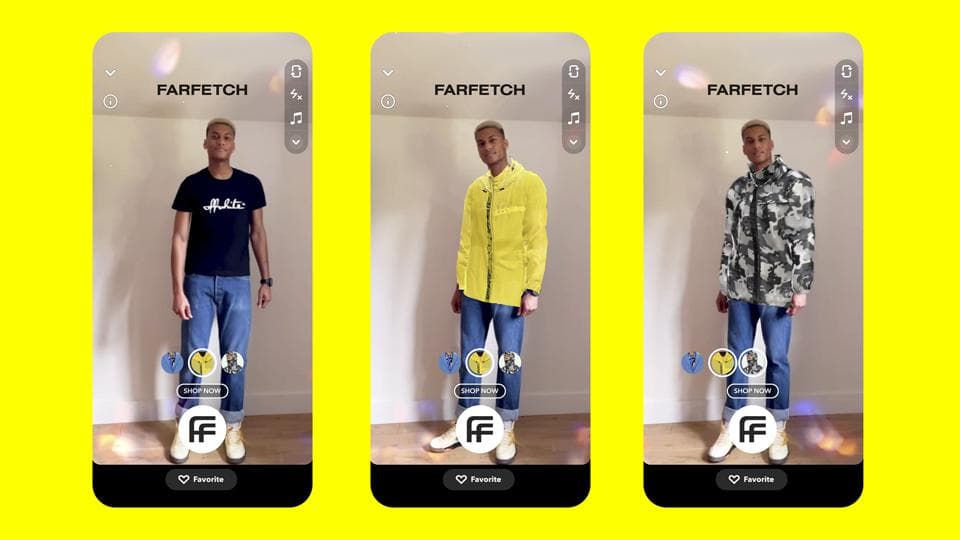
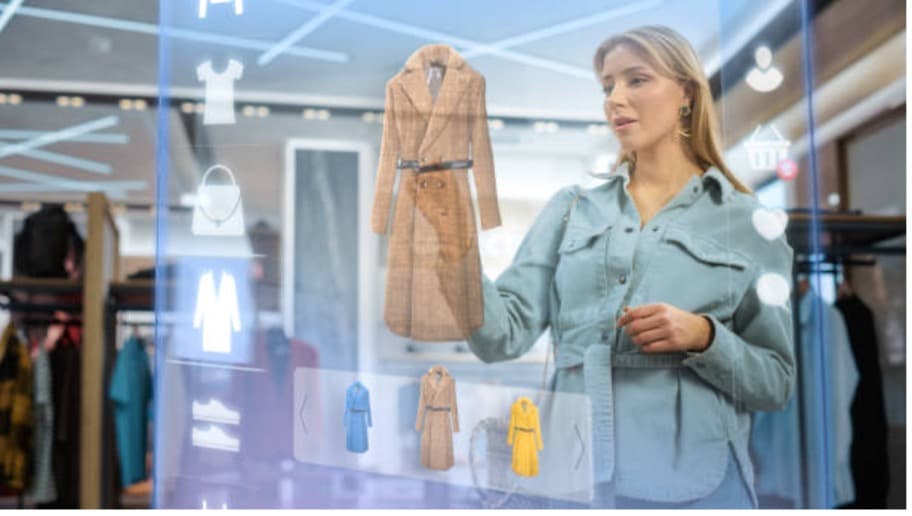
The second use is styling. A shopper who has settled on a jacket wants to see it with a certain shirt colour, or check that the green matches the photo. AR and 3D both help with this, because the shopper controls the view and the lighting is the same across every product; fit isn't something either can show.
Features that get tried once
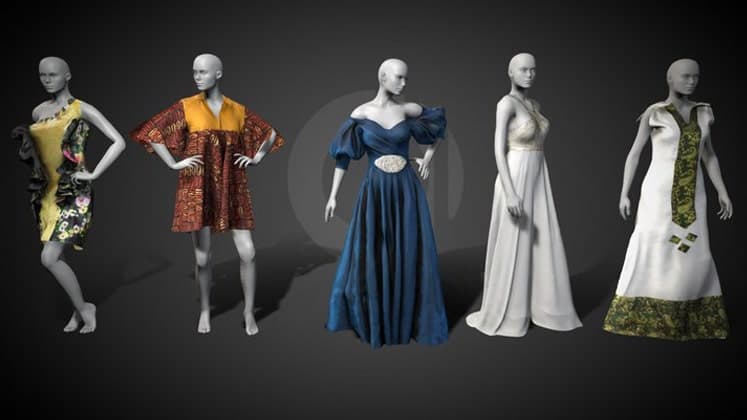
Full-body garment try-on on a generic avatar is the clearest example. In the projects we've seen, shoppers try it once. The avatar doesn't have their measurements, so it can't answer the size question, and the drape is approximate.
AR that needs an app download goes the same way. Almost nobody on a product page installs anything, and each extra tap and the camera permission prompt lose more people. AR gets used when it opens from a button on the product page, in the browser.
A plain t-shirt in a size the shopper already knows gives them nothing to check with a camera. Putting AR on every product spends part of the budget on pages where it won't be opened.
Which features to build first
| Feature | Who uses it | What it is good for | Worth building first |
|---|---|---|---|
| Eyewear try-on | Most shoppers on the page | Shape and width, fast | Yes, if you sell eyewear |
| Watch and jewellery try-on | Frequent on considered purchases | Scale on the wrist, metal colour | Yes |
| Bag or shoe at real size | Moderate | The real size, which photos hide | Yes |
| 3D spin with zoom, no camera | Almost everyone | Material, stitching, hardware, colour accuracy | Yes, before any AR |
| Garment on a generic avatar | Once, then rarely | Styling, a shareable image | Later, if at all |
| Room-scale AR for apparel | Nearly nobody | No question it answers for apparel | No |
Most fashion sites skip the fourth row. A 3D viewer with good zoom and no camera works for every shopper on any device, desktop included.
The difference between a frame and a shirt in AR
The difference is whether the object changes shape. A frame, a watch, a handbag and a shoe keep their form, so a correctly scaled model on a tracked face or floor looks close to the real thing. A shirt drapes over a body, and the phone doesn't measure shoulder width, arm length or posture. Simulating that well is mostly a physics problem, and no one has solved it to the point where a shopper could pick a size from it.
Garment try-on therefore belongs on the page as a styling aid, and it shouldn't be sold to shoppers as a way to check fit. Rebecca Minkoff reported a 65 percent purchase lift on AR-enabled product pages, in Shopify's write-up of the project. The lift measures what happens when shoppers get a better look at the product, and it doesn't show that a virtual fitting room settles size.
An order of work for a fashion site
- Build 3D models for your top sellers and put a spin viewer with real zoom on those pages. It works on any device and needs no camera access.
- Add AR placement for products whose size people tend to misjudge, such as bags, luggage, large jewellery and boots in a box.
- Add try-on only if you sell eyewear, watches or makeup, since those are the categories where it works well.
- Put a proper size chart and fit notes on every garment page, based on what customers send back.
- Leave garment try-on until last, and test it on ten products with before and after figures.
You don't need to change platforms for any of this. A hosted 3D viewer is a snippet in the product template, and most of the work goes into the models.