3D for e-commerce3 min read
AR vs VR for e-commerce and the reach of each
Augmented reality runs from a phone on the product page and virtual reality needs a headset. Who can use each one, and the cases where VR is the right tool.
By CharpstAR · 4 Oct 2023 · Updated 29 Sept 2026
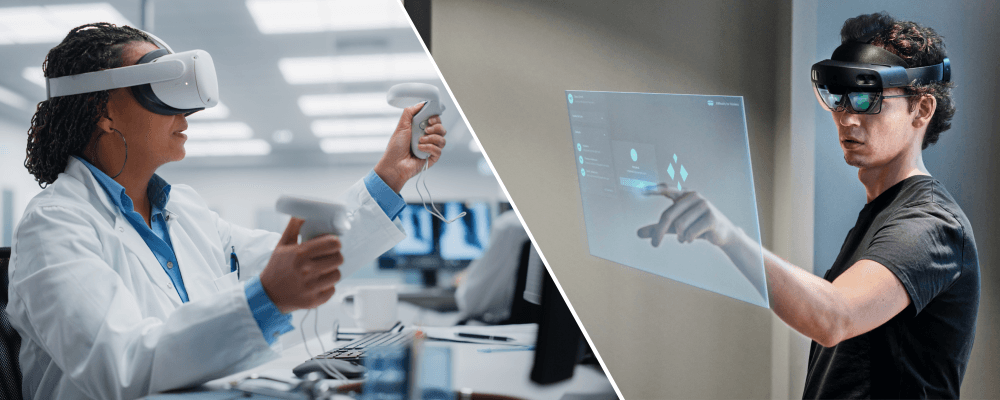
With AR the customer sees your product in their own room through the phone camera; with VR they put on a headset and move through a space you have built. For a shop selling single products from a web page, AR is nearly always the one to choose, and the cases where VR fits are further down.
Reach
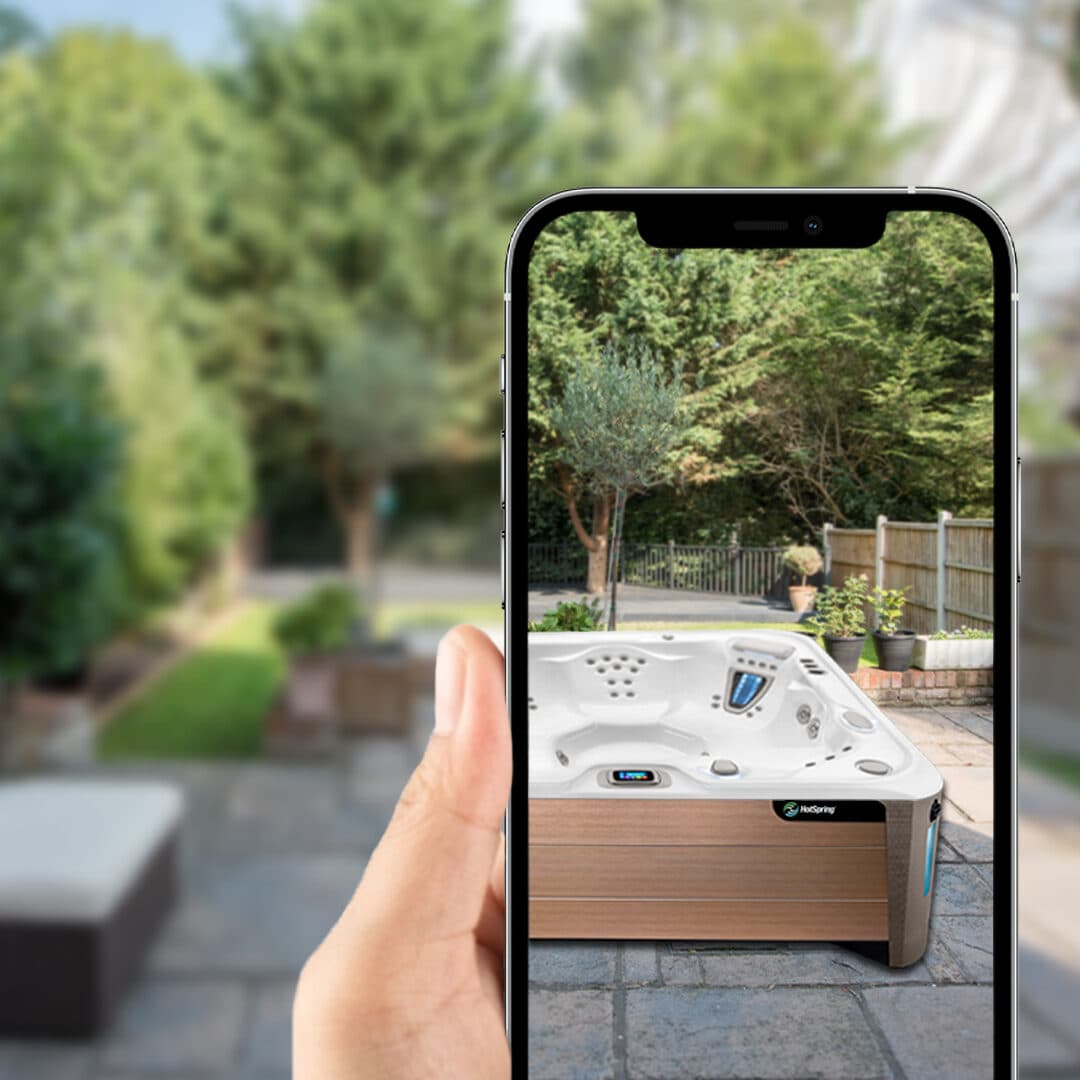
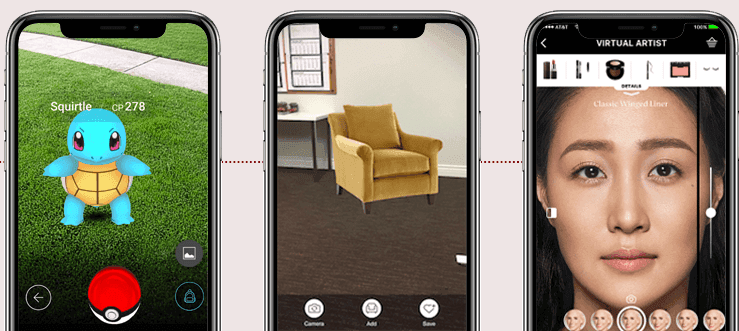
Web AR runs on a phone the customer already owns, from an AR button on the existing product page, in the browser, through Scene Viewer on Android and AR Quick Look on iOS.
AR can therefore reach nearly everyone who visits your site on a reasonably modern phone. VR reaches people who own a headset and have it to hand while shopping, which is a small share of any shop's visitors.
What each one suits
| Augmented reality | Virtual reality | |
|---|---|---|
| What it shows | The product in the customer's room | A space the retailer has built |
| Hardware | The phone in their hand | A headset |
| Entry point | A link on the product page | An app or an installed experience |
| Best question | Does this fit, and does it suit my space | What is it like to be in this place |
| Typical use | Furniture, appliances, fixtures, outdoor products, eyewear | Showrooms, property, training, large installations, trade events |
| Cost to add to a shop | One 3D model per product, one script | A built environment and the headsets to view it on |
Most online purchases are about one object and how it fits the buyer's own space, which they already have; what they need to see is the object in it at the right size.
Where VR is the better tool
VR is the better tool where the space itself is what is being sold, or where the space hasn't been built yet.
The clearest case is property: a customer can walk through an apartment that hasn't been built, or a kitchen layout that exists only as a plan, and AR can't do this because there is no finished room to place the model in.
Training, where the trainee is put in front of a machine or a hazard that is not physically present, uses VR for the same reason.
At a trade fair stand or in a dealer showroom you control the hardware and the setting, and the visitor has already agreed to give you the ten minutes a VR demo takes.
Both use the same 3D model
AR and VR both run on a 3D model of your product, and the same model rotates in a viewer on the product page. Rotating a model works in any browser, desktop included, and asks the shopper for no camera permission, so when you plan the budget, put the 3D viewer first and AR after it.
Published figures for AR and VR
Most published statistics in this area cover 3D and AR together and come from vendors or platforms. The most quoted one is Shopify's, reported in 2020, that interactions with products carrying 3D or AR content converted 94 percent more often than the same kind of products without. The figure covers 3D and AR together and says nothing about VR. We have found no published conversion figure for VR in retail; if a vendor quotes one, ask how many sessions it is based on.
How to tell what a vendor is selling
Ask whether it opens from a link on the product page, and whether the customer needs anything beyond their phone to see it.
Web AR and 3D run from a link and rotate on a laptop. Anything that needs hardware the customer has to buy reaches a much smaller audience, and the vendor should be able to say which of the cases above it is for.
Sources
- Google, Scene Viewer documentation.
- Apple, AR Quick Look.
- Shopify, merchant data on 3D and AR content, September 2020.