3D for e-commerce3 min read
Personalization vs customization in ecommerce
The difference between personalisation and customisation in e-commerce, the data each one needs, and which of the two a 3D configurator serves.
By CharpstAR · 4 Oct 2023 · Updated 22 Sept 2026
Personalisation and customisation are different projects. Different teams build them on different data, and a brief that treats them as one thing produces the wrong project.
How customisation and personalisation differ
| Customisation | Personalisation | |
|---|---|---|
| Who acts | The customer, deliberately | The retailer, automatically |
| What changes | The product itself | What the customer is shown |
| Data it needs | Product data: options, compatibility rules, prices, lead times | Behavioural data: browsing, purchase history, segment, sometimes location |
| Visible to the customer | Entirely. It is the interface | Usually invisible |
| Owned by | Product and production | Marketing and data |
| Failure mode | An order that cannot be built | An irrelevant recommendation |
A shopper who picks oak legs and a grey fabric is customising. A homepage that shows the same shopper dining tables next week, because they looked at chairs, is personalising.
What each one needs
Customisation depends on product data being correct. You need to know which options exist, which combinations can be built, what each choice adds to the price and the lead time, and what specification goes to the factory once the order is placed. If that data is wrong, interface work won't fix it. We have written separately about the pricing rules and lead time logic that decide whether a customiser works. Where the product is quoted rather than sold at a list price, the same rules can produce the quote from the 3D model; see our 3D CPQ page.
Personalisation depends on behavioural data and on enough traffic for it to mean something. A shop with a few hundred sessions a day has too little volume to recommend from, and a recommendation engine fed that little data mostly shows a shopper more of what they just bought. It also needs a consent setup you can defend, since browsing and purchase history are personal data.
Where 3D fits
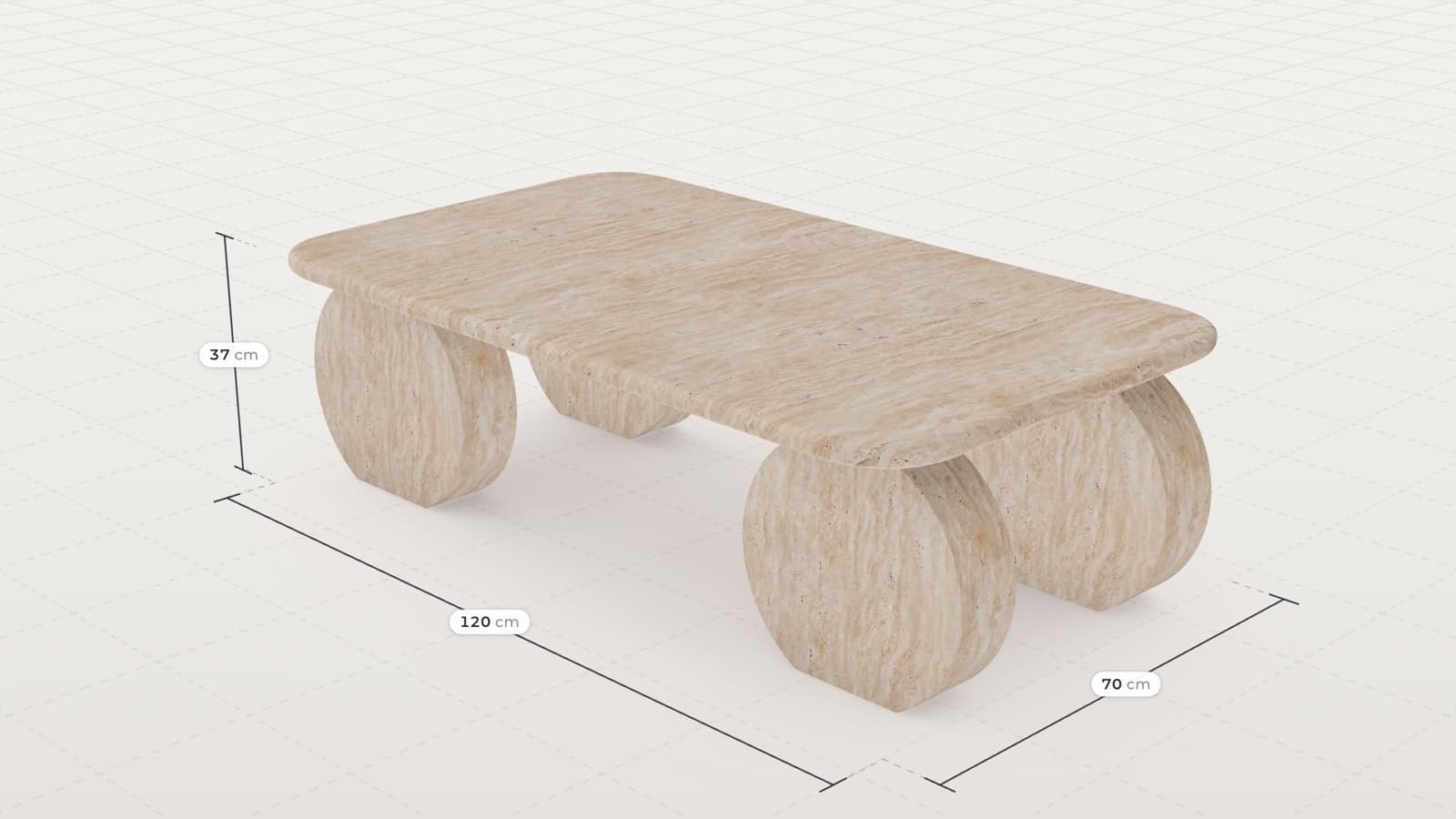
3D is a customisation tool. It is the interface for the choices a customer makes about the product, and it shows what the assembled product will look like, which a swatch grid can't. It plays no part in deciding which product to show which shopper.
On the personalisation side it has smaller parts to play. Once a product is modelled, a picture of any variant costs a render instead of a photo shoot, so a personalised email or ad can show the grey version to someone who looked at grey without a studio booking.
Saved configurations are personalisation in its most basic form. If someone configures a chair and comes back three days later, their configuration should still be there.
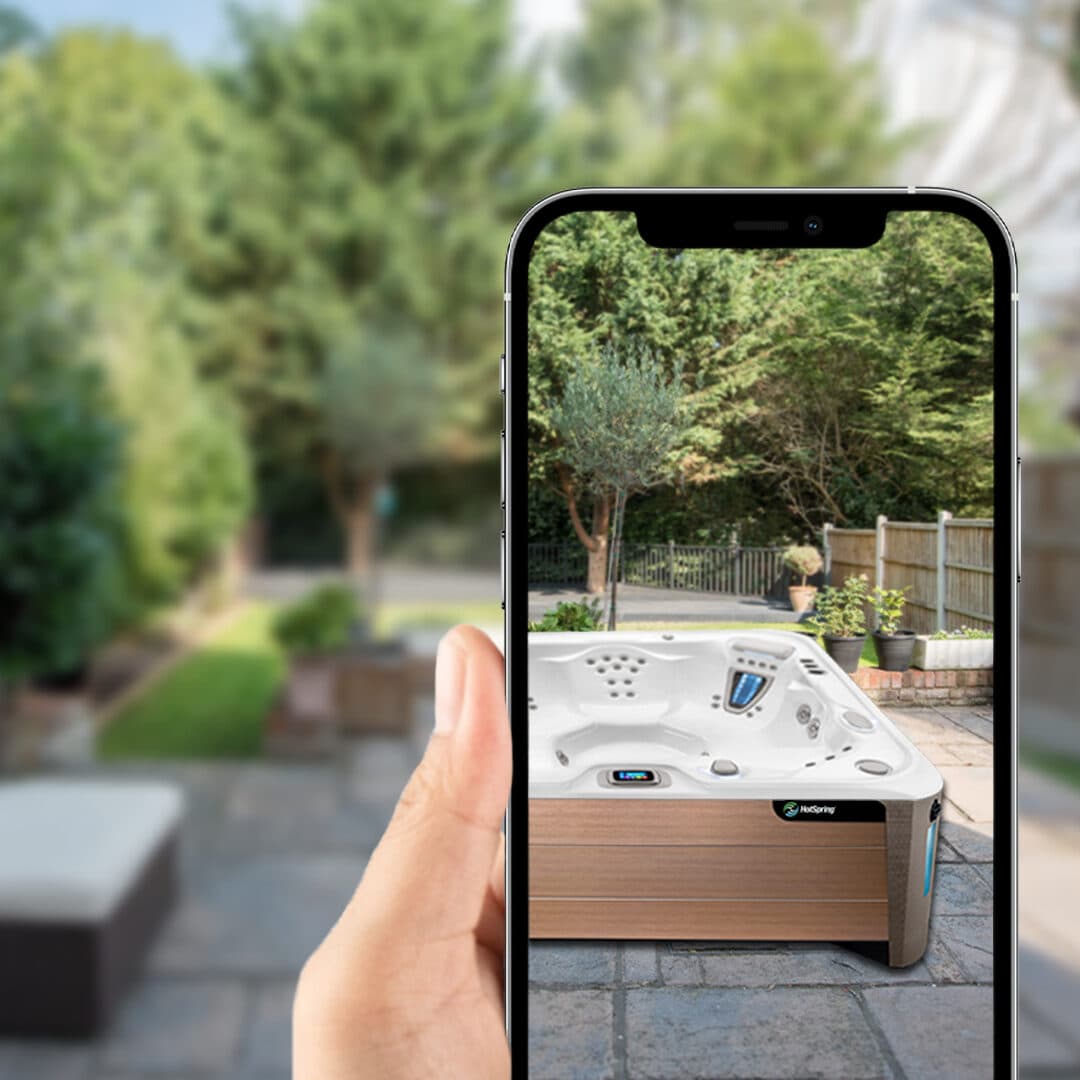
Web AR places the product at real size in the shopper's own room. The camera feed stays on the phone and the retailer never sees it, which belongs in your privacy note.
Sweef's modular configurator
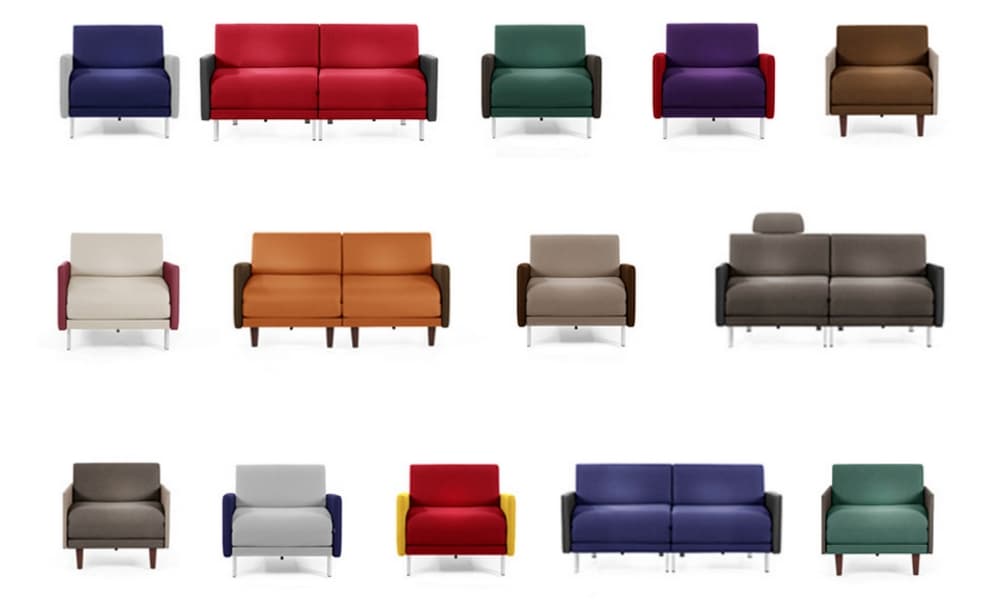
Sweef turned internal 3D resources into a modular configurator for customers. The hard part of that project was the logic for which modules combine. Recommendations played no part in it, and most of the effort went into product data and material accuracy, which is customisation work.
Which to do first
With a limited budget, start with customisation for the products that come in options. The rules are fixed, customers see the benefit straight away, and the 3D assets can be reused in ads, emails and product pages.
Add personalisation after that, beginning with the cheap and defensible kinds: recently viewed items, saved configurations and sensible merchandising by category. Behavioural recommendations come once you have the traffic to train them and a consent policy you could explain to a customer.