Fashion4 min read
AI beauty advisor and AR try-on on an ecommerce page
How to combine an AI advisor with virtual try-on on a beauty product page, in which order, and which limits to tell your customers about.
By CharpstAR · 4 Oct 2023 · Updated 22 Sept 2026
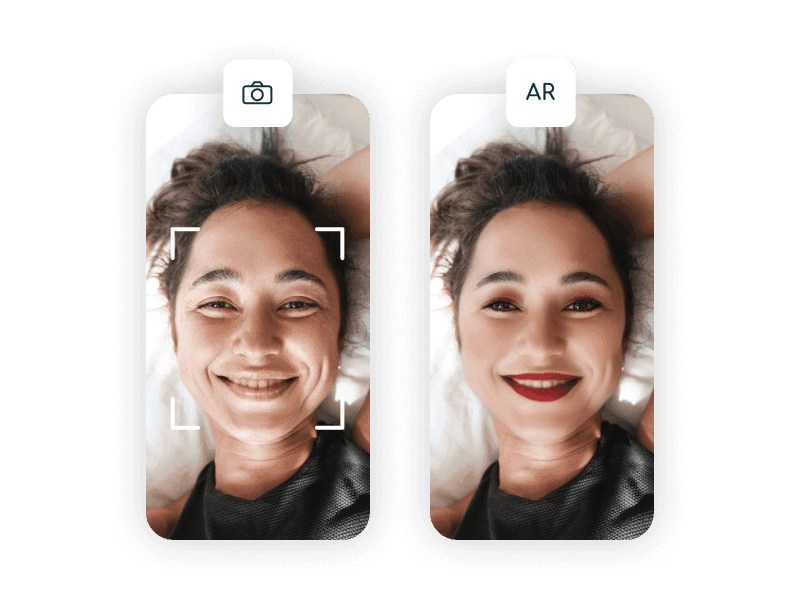
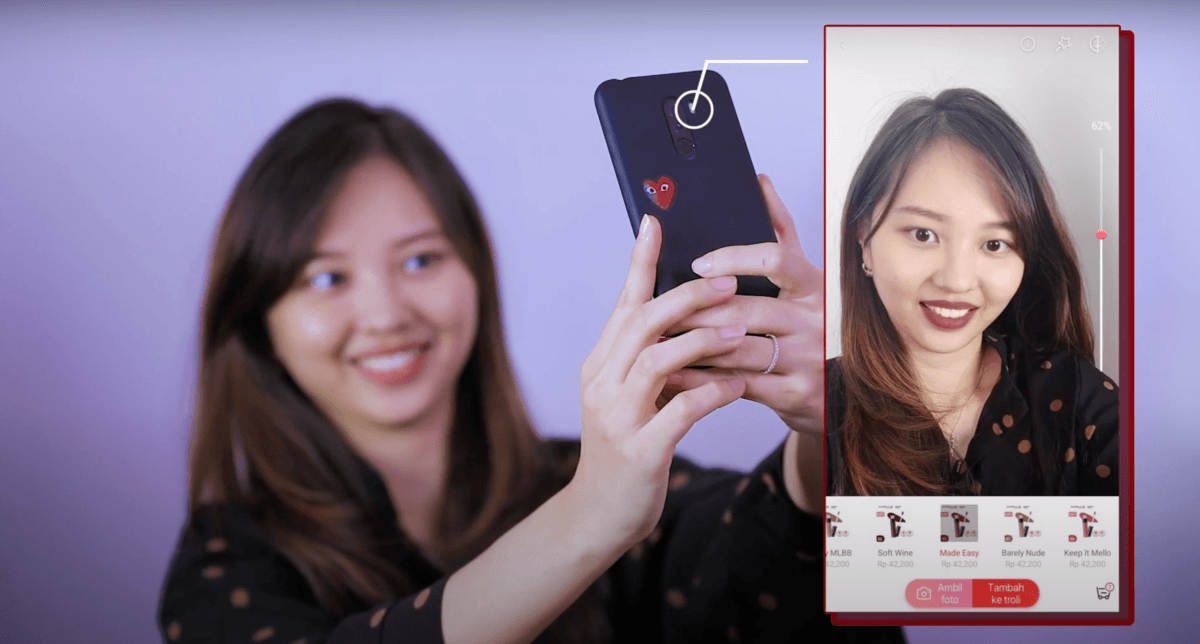
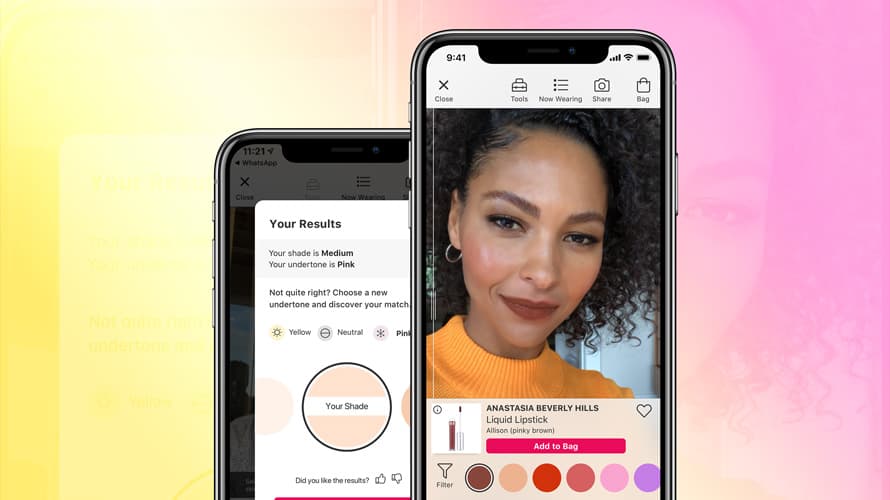
Virtual try-on shows a makeup product on the shopper's face through the camera. An AI advisor asks about skin, concerns and routine, then recommends products. Most beauty brands have added the two separately, in different parts of the page, so each is half used and they never run as one flow. Below is the order in which they work together, and what neither of them can do.
What the AI advisor does well
An AI advisor's job is to get a catalogue of four hundred products down to three, starting from whatever the shopper types.
Shoppers don't search by ingredient. They arrive with a sentence like "my skin gets oily by lunchtime but flakes on my cheeks, and I want something under a foundation". An advisor takes it as it is and keeps the context over several turns, so the shopper can say "something cheaper" or "without fragrance" and carry on.
It also covers skincare, texture preferences, the order of a routine and ingredient conflicts, none of which try-on can answer because they aren't visual.
The usual failure is an advisor that answers a specific question with five options and a disclaimer, which is worse than a good filter. How firm the recommendations are is a setting the product team decides.
What AR try-on does well
Try-on answers visual questions about colour products. It narrows a shade range, and it's exact about placement: where a liner sits, how wide a brow looks, whether a blush position suits a face.
Colour is where try-on is weakest, for reasons outside the software. The phone camera applies its own white balance before the try-on gets a frame, the room light is unknown and the shopper's screen has its own colour profile. Treat the shade on screen as a rough guide.
Shopify's write-up on AR shopping, citing the Benchmarking Company, ranks facial complexion products as the hardest for try-on, ahead of self-tanning and body makeup.
The order of the steps
The advisor goes first, the try-on second, and real photographs last.
Start with one or two questions and skip the fifteen-question onboarding. The most useful single input is what the shopper uses today, because it gives a fixed reference in place of how they see their own skin.
Then recommend one main product and one alternative, each with a sentence of reasoning that refers back to what the shopper said.
Try-on comes third, on the two or three shades left after the recommendation. By then the shopper has put some effort in, so the camera prompt comes at a better moment than it would as the first thing on the page.
Fourth, back the shade up with something other than a render: a swatch photo on a skin tone close to theirs, a wear-test clip, coverage and finish described in words, and reviews filtered by skin type. Almost every brand skips this step, and it's the one that answers the shopper who is nearly sure but wants to see the product on real skin.
Last, one line saying that colour on screen varies with lighting and display, for the customer who expected an exact colour match.
| Step | Tool | What it answers |
|---|---|---|
| Find out what the shopper needs | AI advisor, two questions | What this shopper uses today and wants to change |
| Recommend two products | AI advisor | One main product and one alternative, with a reason for each |
| Show shape and placement | AR try-on | Where the product sits on the face and roughly which shade |
| Confirm shade and texture | Swatches, video, reviews | How the shade and finish look on real skin |
| Say what the screen can't show | Plain copy | That colour on screen varies with lighting and display |
Limits of AI advice and AR try-on
A web page can't show colour accurately. Tell shoppers so, and put real swatch photography next to the try-on.
Texture is the other thing a screen cannot show. Nothing on a screen tells a shopper how a cream feels or how a powder holds up after six hours. Wear-test videos and written descriptions of finish and coverage cover that part.
An AI advisor must not sound like a dermatologist. It can recommend a product; once it starts diagnosing a skin condition, in several markets that comes close to a regulated claim. Keep the advisor to wording like "suits" and "suggests", and send medical questions elsewhere.
If the camera flow sends images to a server, those images are personal data in Europe and close to biometric data in several United States jurisdictions. That calls for an explicit consent prompt when the camera opens, a stated retention period and a working way to delete the data. Processing on the device removes most of the exposure. Take legal advice before you launch.
Beauty products with no shade to match
Every beauty brand also sells products with no shade question: styling tools, devices, brush sets, refill systems, gift boxes and applicators. For those the shopper wants to know about the physical object, and a 3D model answers that. They turn it around on the page, see it at true size through the phone camera and read the dimensions off the model.
We build those models, along with configurators, web AR and eyewear try-on; makeup try-on and AI advisors come from other companies. MELIMELI uses a configurator so that a new material is a texture on an existing model instead of a new photo shoot, and a beauty catalogue with many variants has the same economics.