3D for e-commerce4 min read
3D models in ecommerce product development and sampling
How a product 3D model is used before it reaches the website: design review before the first sample, renders for print, and what to ask a supplier.
By CharpstAR · 21 Mar 2023 · Updated 9 Oct 2026
The product page is the last place a product's 3D model gets used. By the time a shopper turns a sofa around in a browser, the model has usually existed for months, and if it was built well it has already been used in product development, sampling, photography and print.
Reviewing a design as a 3D model before a physical sample is made
A physical sample takes weeks. It goes to the factory, comes back, gets picked over and goes back again. Each round costs money and calendar time, and most of the feedback in the first round is about proportion, colour and detail, none of which needs the object to exist.
A 3D model built from the CAD files or the designer's drawings can settle those points in a review call, such as whether the armrest is too heavy or whether the gap between the doors is right. Teams that work this way still make physical samples, but fewer of them, and those samples are closer to final because the obvious problems were caught on screen.
The saving is hard to put a number on. Every sample round skipped saves its cost and its weeks of lead time.
One model, many outputs
The same asset feeds channels that would otherwise each need their own production.
| Output | What it replaces | Notes |
|---|---|---|
| Web 3D viewer | Extra photo angles, spin sets | glTF or GLB, hosted on a CDN |
| AR placement on mobile | No earlier equivalent | Same GLB, plus USDZ for iOS |
| Product photography | A studio shoot per variant | Renders at any angle, any background |
| Lifestyle imagery | A location shoot per setting | Same model, different scene |
| Print catalogue and packaging | High-resolution photography | Renders scale to print resolution |
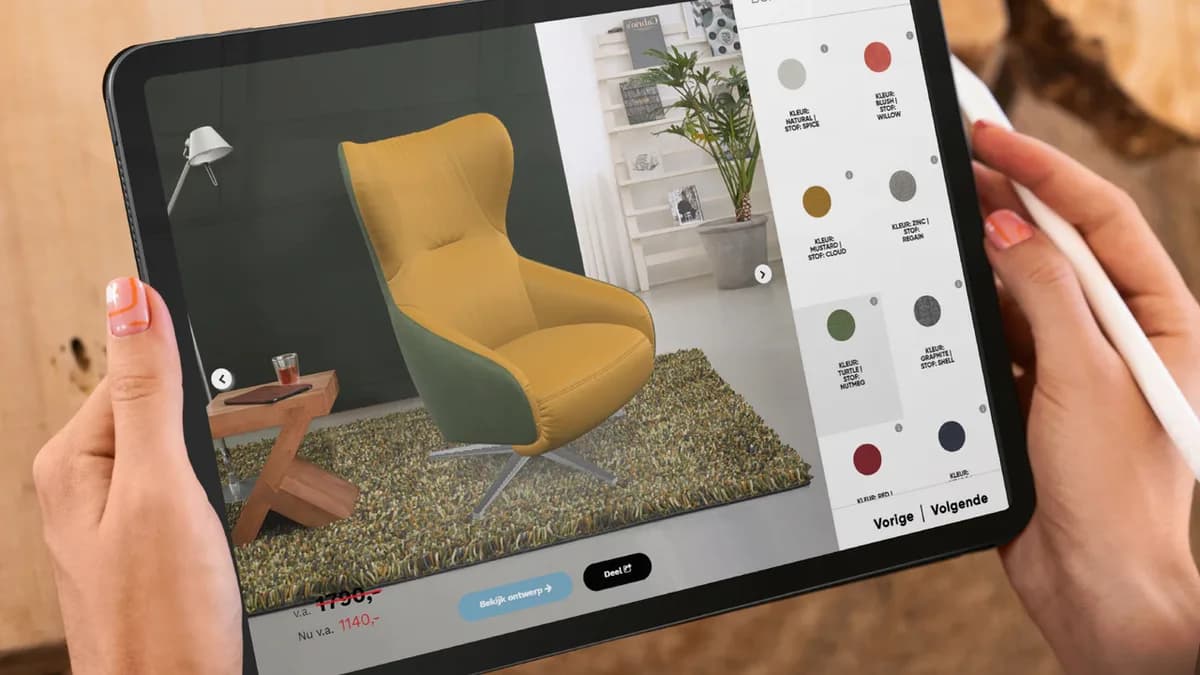
| Configurator | A photograph of every combination | One model, materials swapped in code |
| Retail and trade show visuals | Reshoots per campaign | Reuse |
The configurator row shows the numbers most clearly. A sofa in four sizes and thirty fabrics means one hundred and twenty photographs, each needing the physical sofa upholstered in that fabric. As a 3D model it is one geometry and thirty material definitions, and adding a fabric next season is a new material definition, with no production run and no shoot. For a modular range the count of possible arrangements is far beyond what anyone would photograph; how that is handled is in our post on how a modular product configurator works.
Where photography still fits
3D doesn't replace photography. Good photos of a real product in a real room still do things renders don't, and most brands keep shooting their hero images. The change is in the long tail. The colourway that launched late, or the image a marketplace listing needs next week, no longer waits for a shoot.
The order of work changes too. A render can be made before the product exists, so campaign images, marketplace listings and the product page can all be ready before the first container arrives.
The model you render a catalogue from and the model you send to a phone are two exports from the same source. Build the model at high resolution and export a lighter version for the web. If your supplier gives you only the web version, you can't make print-resolution renders from it.
What to ask a 3D supplier so you can reuse the model
- Do I get the source file as well as the web export? If you can't re-render at print resolution later, the asset is stuck in one channel.
- Are the materials physically based and clearly named? With well-named PBR materials, a new fabric is a swap instead of a rebuild.
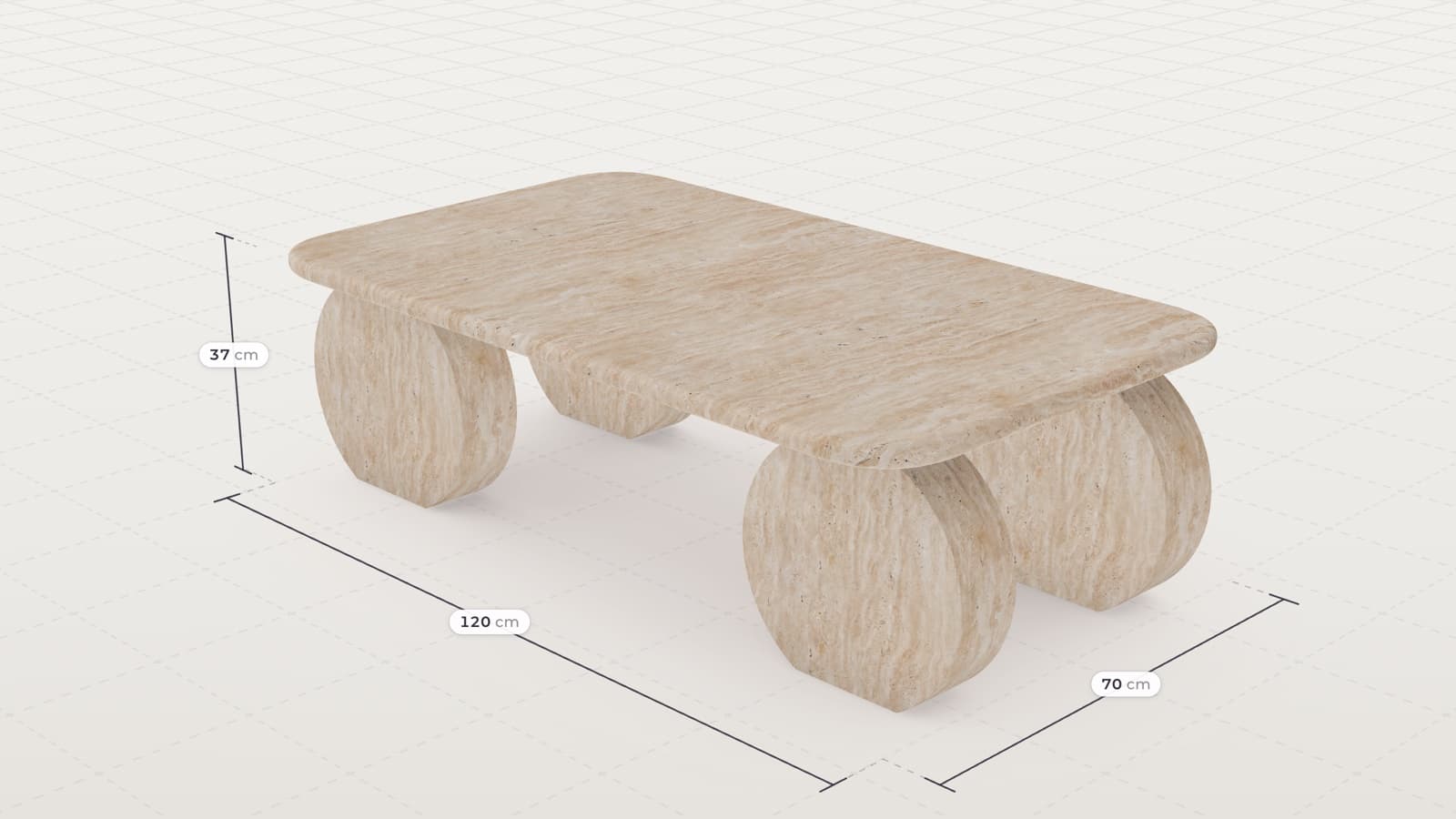
- Is it built to the measurements in the spec sheet? A model built by eye from photos can look right and still measure wrong, which rules it out for AR and anything else that depends on size.
- Is the topology clean enough to edit? Next season's version of the same chair should start from this file.
- What is the web export budget? That means triangle count, texture resolution and file size. Google's Scene Viewer documentation recommends staying under 100,000 triangles and keeping textures at 2048 by 2048 or less, with models under 10 megabytes.
When to start the model
The model is easiest to build when the design is frozen and before the first sample is ordered. The CAD exists, the materials are specified, and the model can be checked against the sample when it arrives.
Models commissioned after launch start from a set of studio photos on a white background and a measurement sheet. Most of what we build starts that way. It takes longer than starting from the design files.