Fashion4 min read
What AR in fashion retail can and cannot do
In-store mirrors, phone try-on for shoes and glasses, garment try-on on a selfie, 3D on the product page. How each one works and where it stops.
By CharpstAR · 21 May 2024 · Updated 22 Sept 2026
"Virtual dressing room" is a sales phrase that covers at least four different technologies. It can mean a life-size model on a store floor, a pair of shoes drawn on your feet through the phone camera, a jacket pasted onto a selfie, or a spectacle frame fitted to your face. Retailers get into trouble when they buy one of these expecting another.
In-store signs, mirrors and virtual models
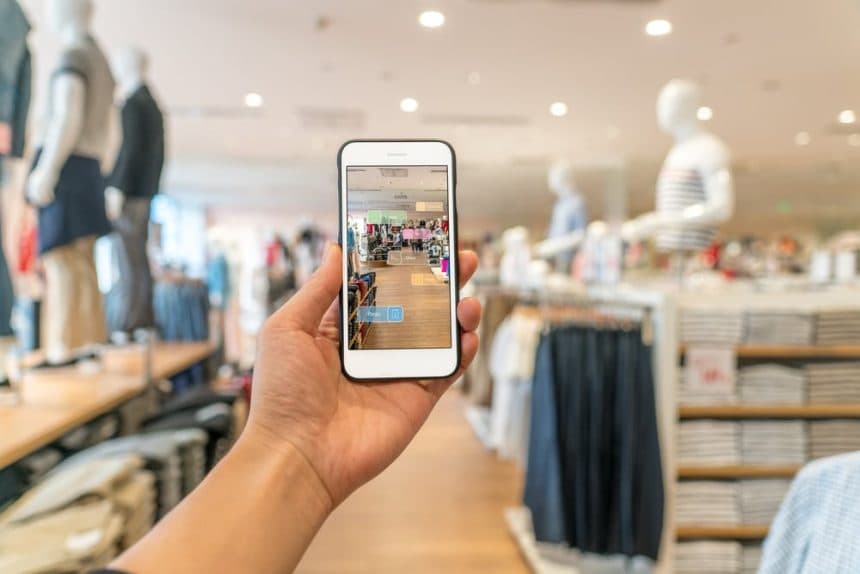
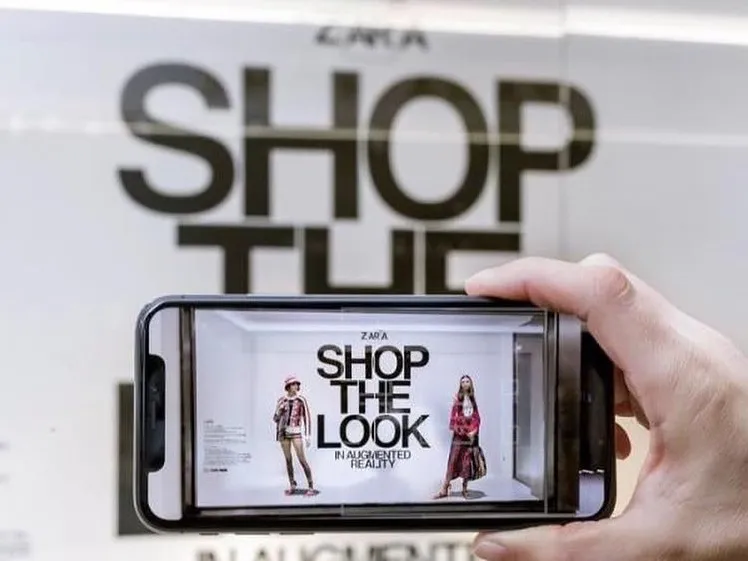
Zara's 2018 experiment is the case everyone points to. For two weeks in April 2018, in 120 stores, shoppers pointed the Zara app at in-store signs and saw international models appear life-size in the current collection, with the outfits buyable from the app. Only shoppers with the app installed saw it.
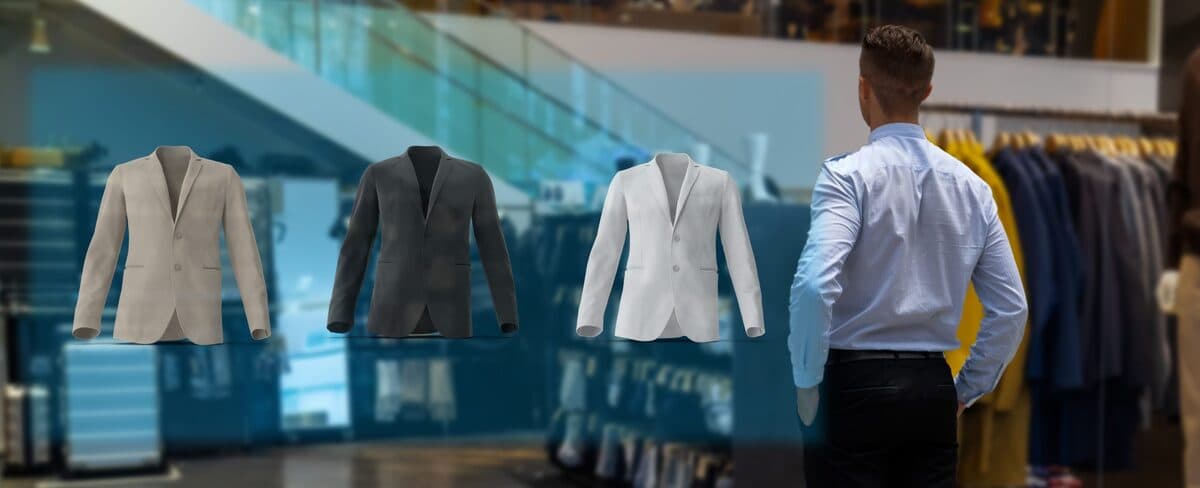
Smart mirrors are the other in-store form. A screen with a camera shows the shopper with a garment overlaid, or the same garment in another colour. They're useful for checking colour and style at the rail. They don't help with fit, because the overlay isn't based on any measurement of the shopper. What the hardware and the running costs come to is in our post on retail smart mirrors.
In-store AR only reaches people who are already in the store, and it needs either an app or a fixed installation. Retailers use it mostly for brand campaigns.
Phone try-on for shoes, glasses and watches
Phone try-on works for rigid things because they keep their shape. A shoe, a frame, a watch or a bag held at arm's length is a fixed object, and a modern phone tracks feet, faces and wrists well enough to draw it at true scale in the right place. Gucci's 2020 Snapchat campaign put four sneaker styles on shoppers' feet with a shop button, and Snapchat called it the first global shoppable AR try-on. Eyewear try-on is the most mature of these, since the face is what a phone camera tracks best.
What it tells a shopper is whether the item suits them and whether the width is right. For anything soft it says nothing about size. The result also depends on the 3D model, which is drawn right next to the shopper's real foot or face and judged against it.
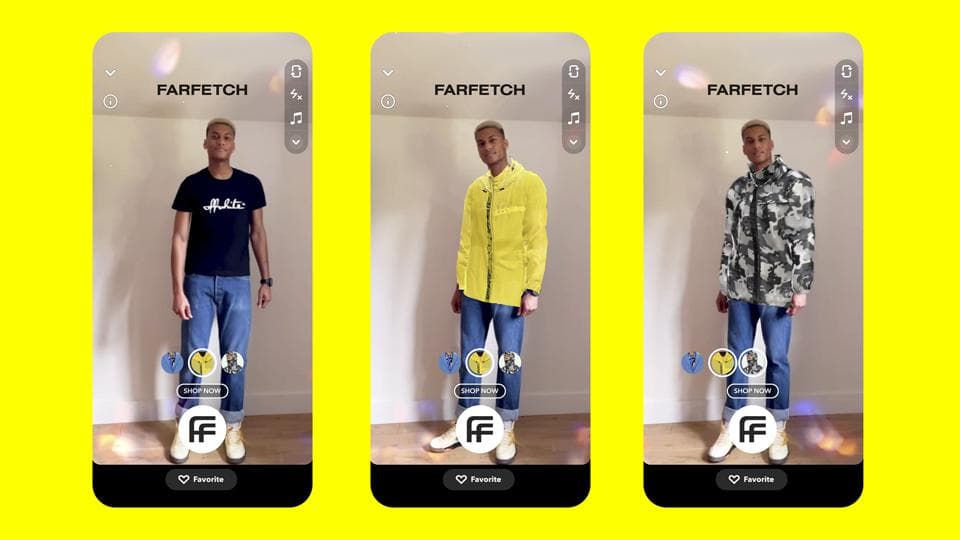
Garment try-on on a selfie or a live camera view
This is what most people mean by a virtual dressing room. The current versions take a photo or a live camera view and drape a garment over the body using a body-pose estimate. The good ones look convincing. None of them measures the shopper: the system estimates a silhouette from one camera and stretches the garment to fit it, at a size it has guessed.
That answers styling questions, such as whether a colour suits me or a cut works with these trousers, and says nothing about fit. The returns it prevents are the ones where the shopper didn't like the look; it won't stop a garment arriving too small.
If a vendor says it will end size returns, ask what measurement of the shopper the system works from.
3D models on the product page
The least glamorous form is a 3D model of the item in a viewer on the product page, with an AR button for the phone. For fashion that means a bag you can turn over and open, a shoe seen from below, a jacket on a model of a stated size with the lining visible. Nothing is put on the shopper; they get the look at the back, underside and inside that they would get from picking the item up in a store.
Shopify's write-up on Rebecca Minkoff, a fashion brand, has shoppers who used the 3D viewer 44 percent more likely to add to cart and AR users 65 percent more likely to buy. Those shoppers chose to open the viewer themselves, which inflates the figures, and they come from one brand's own site.
The requirement is proper models of the real products, which means a modelling budget and a way to keep the models current as the range changes.
How the forms compare
| Form | Where | Needs an app | Fixes fit | Best for |
|---|---|---|---|---|
| In-store signs and mirrors | Store | Yes or fixed install | No | Brand moments, colour choice |
| Rigid try-on | Phone, social or web | No on the web | Yes for width and suitability | Glasses, shoes, watches, bags |
| Garment try-on | Phone or web | No | No, confidence only | Styling, sharing |
| 3D on product page | Web, any device | No | Partly, via detail and stated sizes | Whole catalogue, everyday selling |
What to ask a vendor
Start by asking what the system measures, and listen for the word "estimate". Look at the 3D model up close, since that's where the quality shows. Find out whether it runs from a web link or needs an app; web versions now open AR on iPhone and Android from a normal link. Check how a new season's products get added and what that costs, and get return and conversion numbers from a comparable retailer instead of the platform average.
What we build
We build 3D models for the product page, and rigid try-on for eyewear. We don't build garment try-on. If your catalogue has rigid products, or products a shopper would pick up and turn over in a store, the first model is free: send us one product.