Other10 min read
Product Configurator Examples: 21 Live Demos to Try
Twenty-one product configurator examples you can try, sorted by what the customer changes: fabrics, parts, sizes and modules, with what each kind costs.
By CharpstAR · 29 Oct 2026
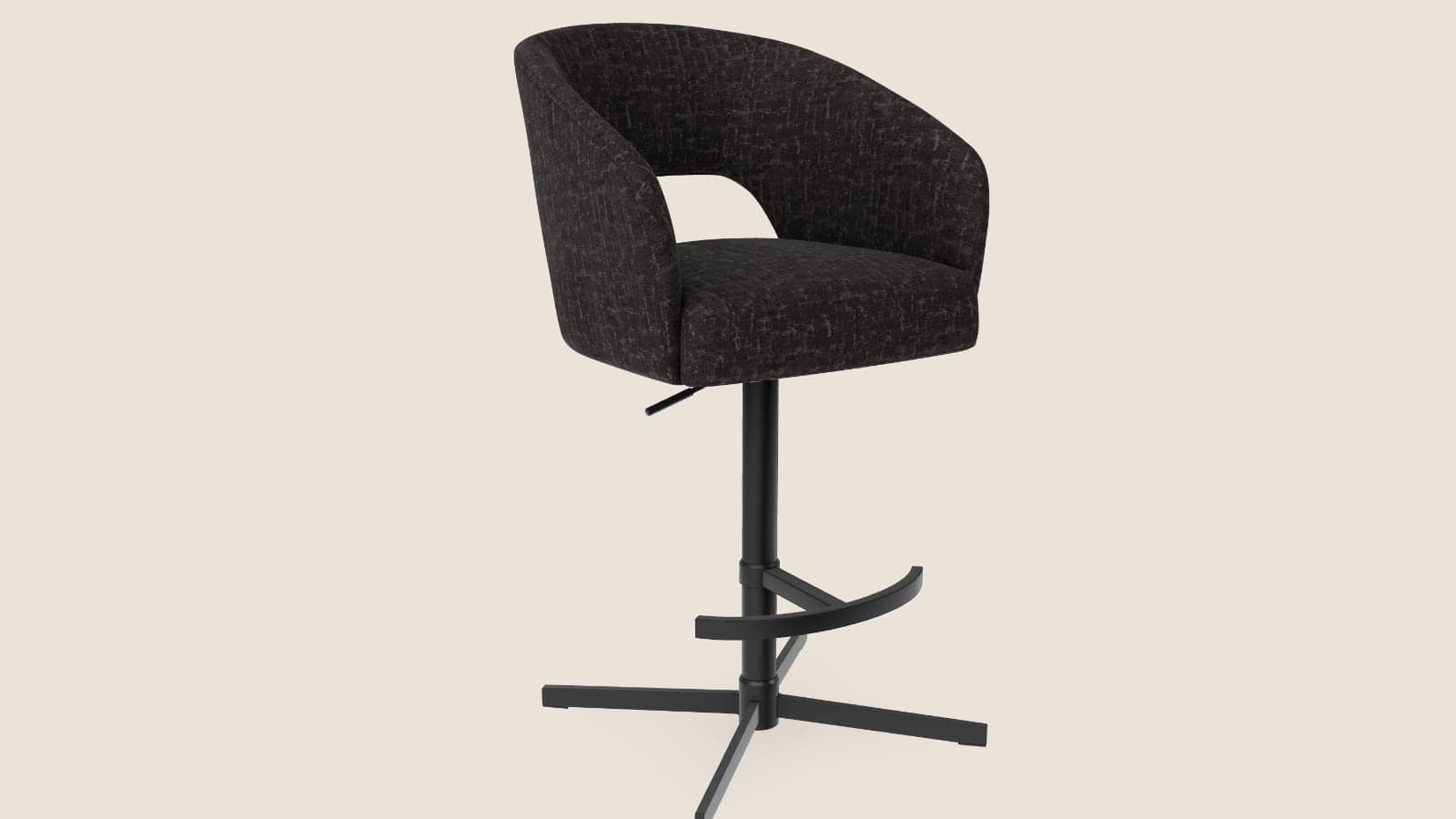
A customer looking at a bar stool sold in five fabrics wants to see the olive on the whole stool and to know whether it fits under the counter. A product page with one photograph per fabric answers neither question. A product configurator answers both on the page, and the best way to judge one is to use it.
This page sorts the twenty-one configurator demos on our site by what the customer changes, so you can find the example closest to your own products and see what that kind costs. Every demo runs in the browser on a phone or a computer, with nothing to install.
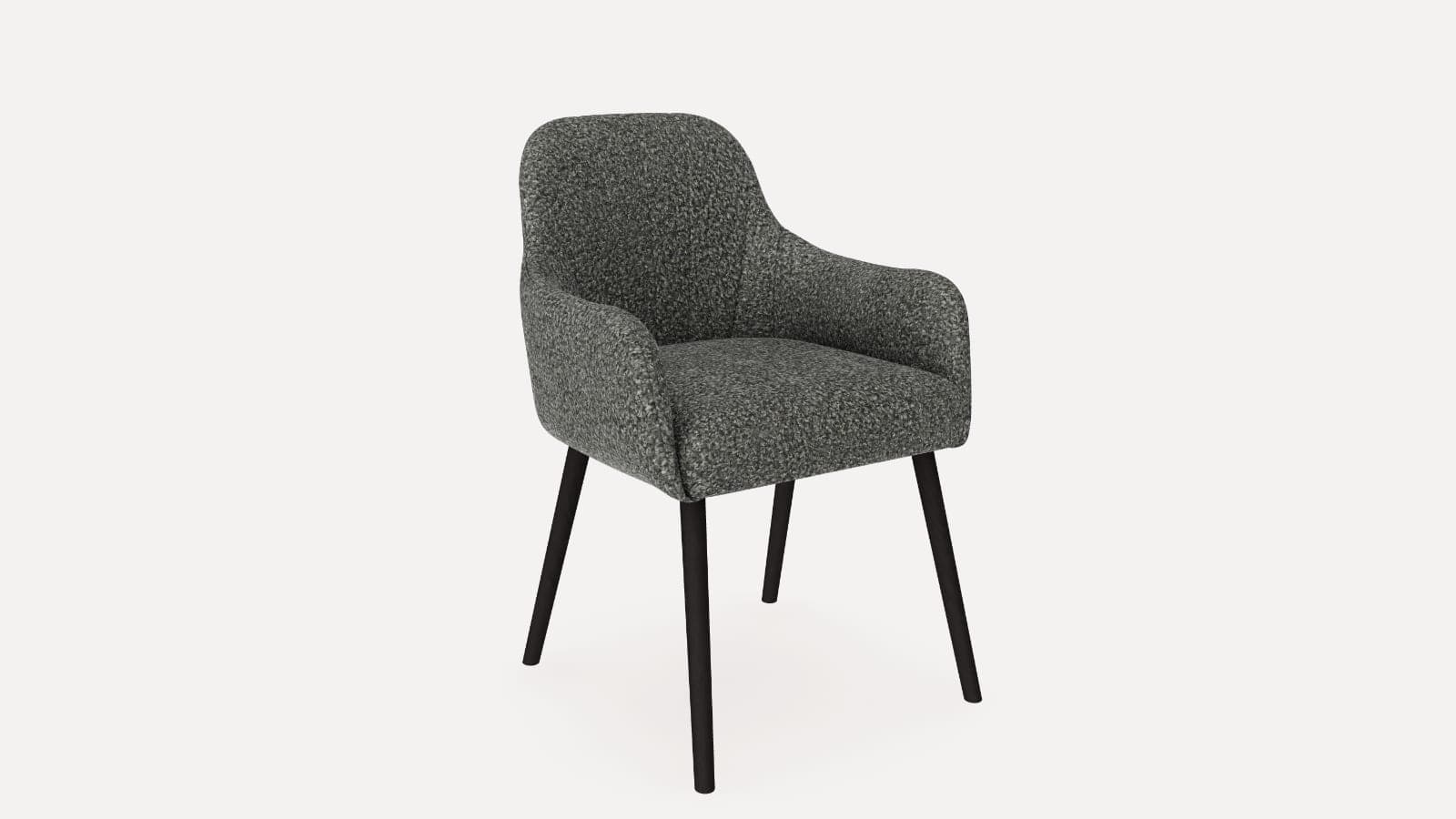
The bar stool below is the simplest kind. It is one 3D model with five fabrics, and on a phone the AR button stands it in the customer's own kitchen.
Furniture
Bar stool
Five fabrics on one stool.

One bar stool in five fabrics. Pick a fabric, turn the stool and zoom in on the weave. Open Dimensions for its size. On a phone, the AR button stands it at your counter.
What Is a Product Configurator?
A product configurator is an interactive 3D model on the product page that changes with each choice the customer makes. Depending on the product, customers can:
- Change the fabric, colour or finish on the product
- Add or remove parts and accessories
- Set the size and watch the product resize
- Build a range from modules
- Read the measurements and see the price for the version they built
- Place the product in their own room with AR on a phone
The demos below show each of those on a product of its own.
Product Configurator Examples by Kind
Colours and Materials on One Product
The customer changes the fabric, the colour or the finish, and the shape of the product stays the same. This kind is included in the Value plan, and it is the kind the free first product covers. Our sofa configurator article explains how the fabrics are stored on one model.
- The bar stool above, in five fabrics
- A dining chair in ten fabrics and four frames, with the price for each combination
- A ring in four metals with ten stones
- A car with eight paints, three rim finishes, six glass tints and a number plate of the customer's own
- A wool blazer in three cloths
- Glasses in four shapes, four frames and four lenses, which the customer can then try on with the camera
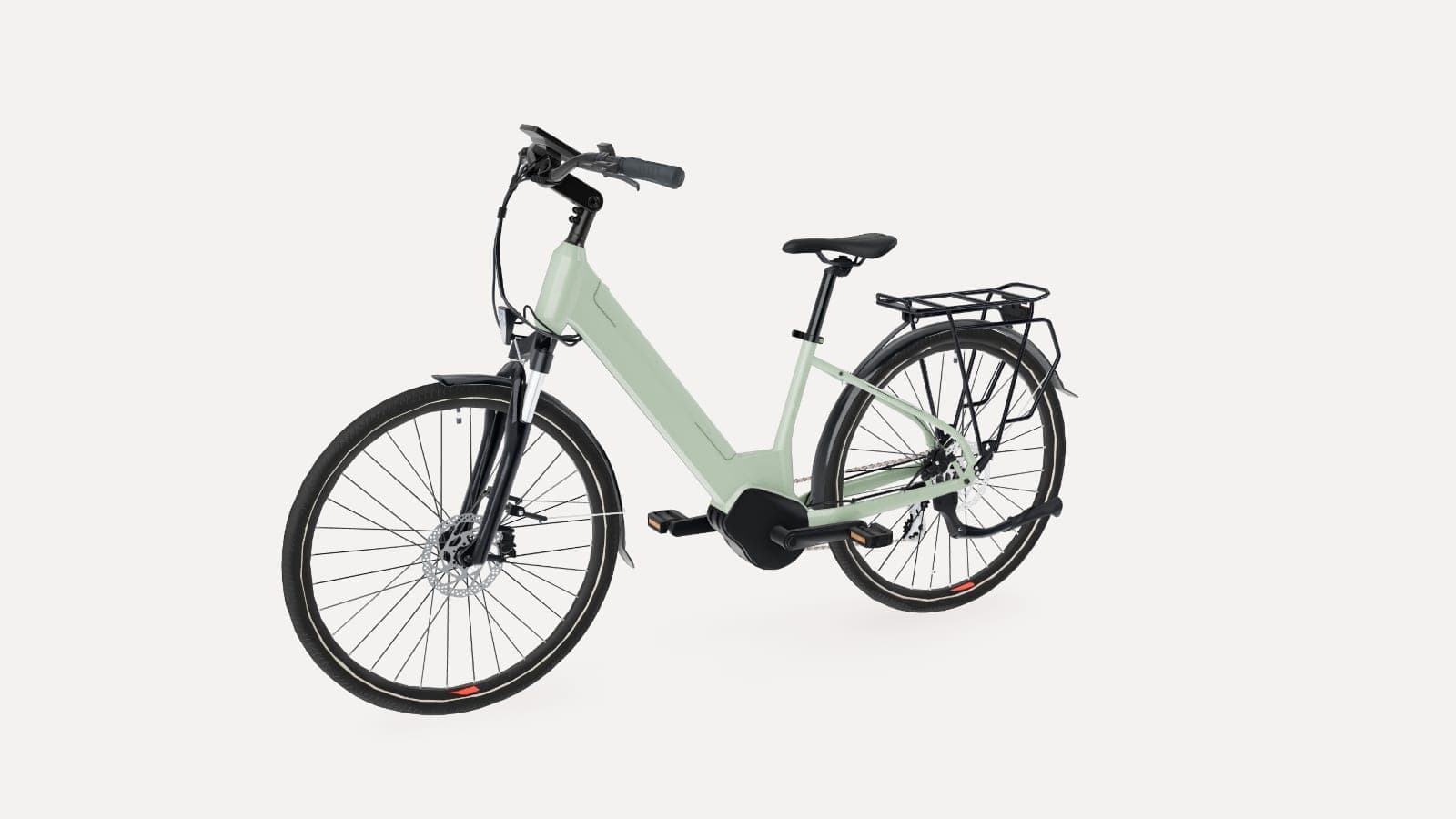
- An e-bike in three colours, with its parts and its measurements marked on it
Parts and Accessories
The customer adds or removes parts, and each part can carry its own colour or finish.
- A wood stove in four finishes, with a floor plate, a log store and a lit fire
- An outdoor sauna in three cabin woods, with the heater lit, steam over the stones, three lighting moods under the benches and the price
- A cargo bike with an open or lockable box, eight frame and box finishes, four tyre walls and live dimensions
- A backpack where the customer taps any of twelve parts, gives it one of sixteen colours and prints a logo on it
- A stone table with a stone or glass top, three stones and a shape for each leg
- A garden set where the customer picks the table, the chair and the number of seats, with the price and the floor space it needs
- A pool table with two cloth ranges and seven cabinet finishes, the room it needs drawn on the floor, and the price
Made-to-Measure Sizes
The customer sets the measurements and the product is rebuilt to them, with the price for that size.
- A garden shed with width, length and height on sliders, then roof, cladding, a porch, and doors and windows the customer places
- A dining table in five lengths, six tops and three bases, with a priced quote to download
- A mattress in three sizes and three fabrics, with a top mattress and the price
Modular Ranges
The customer builds the product from modules that fit together by the maker's rules. Our modular product configurator article goes through a shelving range in detail.
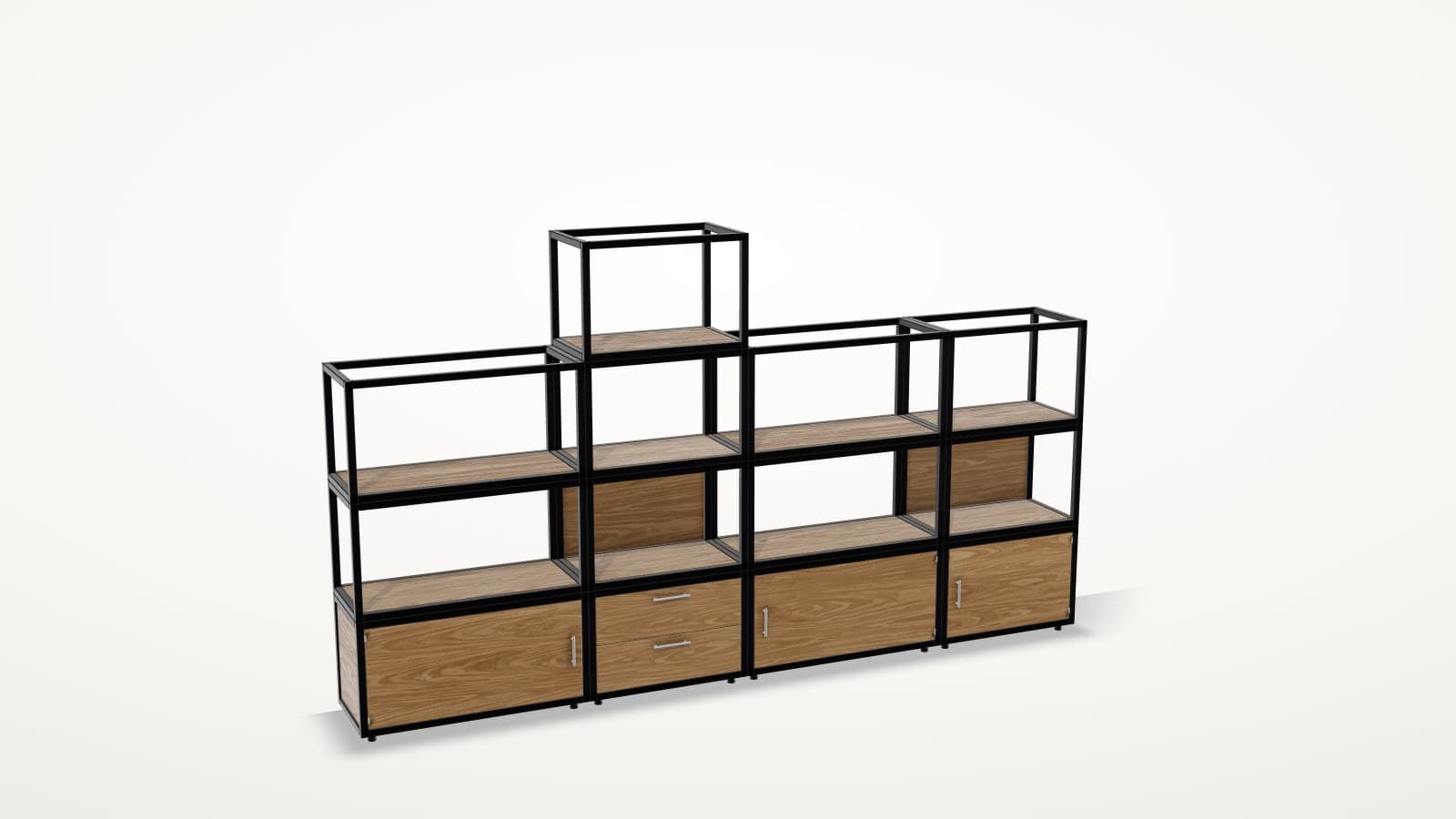
- A shelving system where the customer adds frames where the marks are, gives each a door, drawers or a back, picks the finish, or fits a wall to their own space
- A modular sofa built from modules, in several fabrics, with its dimensions and AR
- A garden fence from a set shape or a blank start, with panels, corners and a gate where the customer wants them
Two more demos on the playground show a 3D product page with few options: a hot tub with the jets on and a choice of light colour, and a trampoline where the customer taps the mat to throw a ball.
Why Use a Product Configurator for E-commerce?
Increase Conversion by Answering Questions Before the Order
A customer who has seen the fabric on the whole stool, read its height and stood it at their own counter with AR has fewer reasons to leave the page without ordering. The stool above answers the two questions from the opening without an email to customer service.
Raise Order Value with Options Customers Can See
A premium fabric, a lockable box on the cargo bike or a log store beside the stove is one tap away. The customer sees the option on the product before choosing it, instead of reading its name in a list, and the KPI table below shows how to follow whether more orders include the options you earn more on.
Reduce Returns and Wrong Orders
A returned bar stool costs you the collection, the check and a product that can no longer be sold as new. A colour that looked different in the photo and a seat that did not fit under the counter are two of the reasons customers give. When the customer has seen the fabric on the whole stool and placed it in their kitchen with AR before ordering, you can check the effect against your return rate.
Fewer Questions to Customer Service
Customers ask about the colour of a fabric and the height of the seat. Both are answered on the product page, where the customer switches the fabric and opens Dimensions for the seat height.
Lower Photography Costs
One 3D model shows every fabric. When you add a fabric to the range, we add it to the same model, so there is no photo shoot for the new version. The Value plan also includes five rendered product images and a 360 render viewer from the same model.
Brands Using Configurators
CharpstAR has built 3D for more than 100 clients since 2016, and furniture, stove and sofa brands run our configurators on their own product pages. You can read how they use them in our case studies, and our 3D and AR shopper statistics article has the conversion figures from nine e-commerce sites that use 3D and AR.
What the Shop Supplies
To build a configurator from one of these examples, we need:
- A link to the product page
- The list of colours, fabrics, finishes or modules as you sell them, with their prices
- Any 3D files, CAD files or drawings you have from the manufacturer (they help, but they are not required)
- Photos of the product from several sides, and close photos of the materials
- For a modular or made-to-measure range, the rules: which parts fit together and what the finished product measures
How to Add a Product Configurator to Your Website
Step 1: Send Us a Product
Send a link to the product page and the list of options from the configurator page.
Step 2: Get a Plan and a Price
We reply within a working day with which kind of configurator the product needs and what it costs. The first product with colour and material options is free, so you can test it on your own product page before you sign anything.
Step 3: We Build the Model
We build the 3D model in all of its colours and materials, check the measurements against your product data and make the AR files for iPhone and Android. A colour and material configurator is usually live on your product page in about two weeks.
Step 4: Go Live
The configurator goes on your product page as one snippet on Shopify, Shopware, Magento, WooCommerce or a custom-built site, and we help you place it. Orders go through your own checkout with the chosen options attached.
How to Measure the Return on a Product Configurator
Compare the configured products with the figures you already track, before and after:
| KPI | What to measure |
|---|---|
| Conversion rate | Whether the products with a configurator convert more visitors into customers |
| Add-to-cart rate | Whether more visitors who open the configurator add the product to the cart |
| Average order value | Whether more orders include a premium fabric, an accessory or a larger size |
| Return rate | Whether fewer products come back for the wrong colour, material or size |
| Customer service questions | Whether there are fewer questions about colours, materials and measurements |
| Photography costs | How many photo shoots you no longer need when a colour or a material is added |
Results depend on your products, your traffic and your prices, so compare the same products over the same season.
How Much Does a Product Configurator Cost?
The cost depends on what the customer changes on your product.
| Kind of product | How it is priced | What is included |
|---|---|---|
| 3D viewer and AR, no options | Basic plan, from 10 dollars per product (SKU) per month, at least 100 variants over 12 months | 3D models, AR and web integration, hosting, updates, implementation |
| Colours and materials | Value plan, from 20 dollars per model per month, at least 100 models over 24 months | Everything in Basic, plus the colour and texture configurator, custom dimensions, annotations, 5 rendered product images and a 360 render viewer |
| Parts, sizes and modules | Quoted per range | The configurator with its rules and prices, hosting, updates, implementation |
| Integrations and large catalogues | Enterprise plan, custom price | Everything in Value, plus custom integrations, a tailored setup and dedicated support |
The first product with colour and material options is free. After that, the Value plan starts at 100 models, and at the starting price 100 models come to 2,000 dollars a month, or 48,000 dollars over the 24 months. On the Basic and Value plans you can replace up to 30% of your models each year without adding to the count.
The parts, sizes and modular examples above have rules between their options, so we quote them per range. The 3D product configurator cost article explains what goes into that quote. See all plans on the prices page.
Which Example Is Closest to Your Product?
- Products sold in fabrics, colours or finishes: the bar stool, the dining chair and the ring
- Products sold with accessories: the stove, the cargo bike and the garden set
- Products made to the customer's measurements: the shed and the dining table
- Ranges built from modules: the shelving, the sofa and the fence
If your products come in one version, a 3D viewer with AR on the Basic plan may be enough.
Try One on Your Own Product
CharpstAR builds the 3D models, hosts them and puts the configurator on your product page for a monthly price per model.
Send us one product and we will reply within a working day with which kind it needs and what it costs. You can also try all twenty-one demos first.
Questions
Where can I try product configurator examples?
On our demo page, where twenty-one configurators run in the browser. The bar stool on this page is a twenty-second, and every one of them opens in a phone's browser.
Which kind of product configurator does the Value plan include?
Colours and materials on one product, like the bar stool above. The shape stays the same and the customer changes the fabric, the colour or the finish. Parts, sizes and modules are quoted per range.
How much does a product configurator cost?
The Value plan, which covers colours and materials, starts at 20 dollars per model per month, with a minimum of 100 models over 24 months. Configurators with parts, sizes or modules get their own quote.
Do the examples work on a phone?
Yes. Every demo runs in the phone's browser, and the demos with an AR button, like the bar stool on this page, place the product in the customer's room at full size.
Can we see an example on our own product before we decide?
Yes. The first product with colour and material options is free, and it is usually live on your product page in about two weeks.