Beauty4 min read
Quiz and camera AR shade finders for beauty brands
How a shade quiz and a camera shade finder compare on accuracy, completion, privacy and cost, and which one a beauty brand should build first.
By CharpstAR · 4 Oct 2023 · Updated 22 Sept 2026
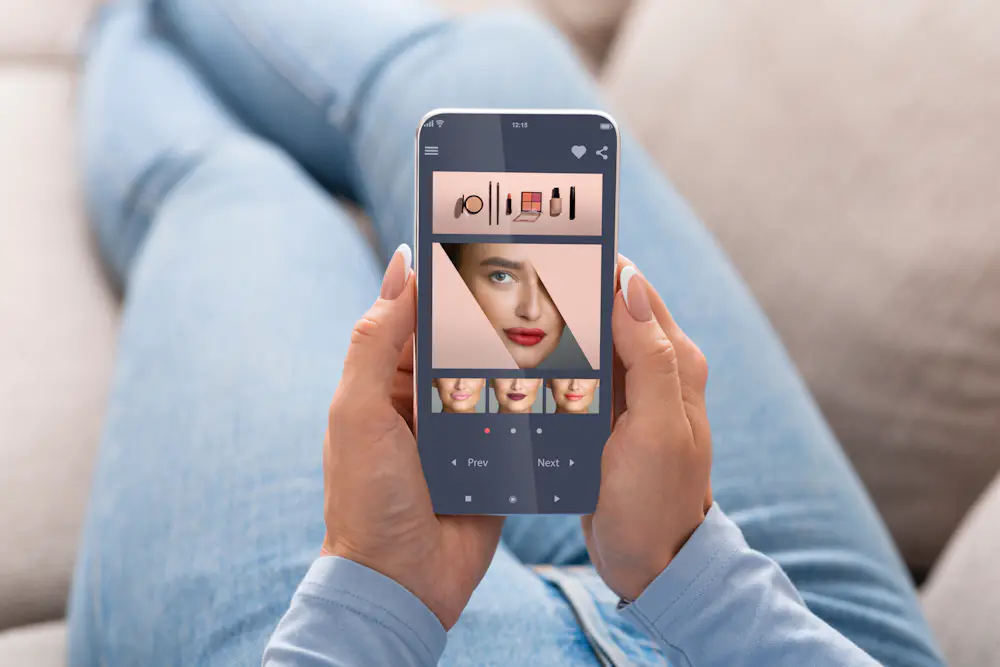
Beauty brands with a wide foundation range often end up building a shade finder. There are two ways to do it. One asks the shopper questions, the other uses the phone camera to look at their skin. Both get marketed as personalisation, and the choice affects accuracy, privacy compliance and how many shoppers reach the end of the flow.
We don't build shade finders ourselves, so neither option below is our product.
The quiz approach
A shade quiz asks four to eight questions, such as which brand and shade the shopper wears now, whether gold or silver jewellery suits their skin better, how their skin reacts to sun, and which of three wrists looks most like theirs. The answers are mapped onto your range.
It works on any device without camera permission, and it's cheap to build and change. It also picks up things a camera can't see, such as which competitor product the shopper already wears. The result is easy to explain, since it follows from the shopper's own answers.
The weak point is self-report. People find it hard to describe their own skin, especially undertone, and a quiz built mostly on self-report carries that error into the result.
The camera approach
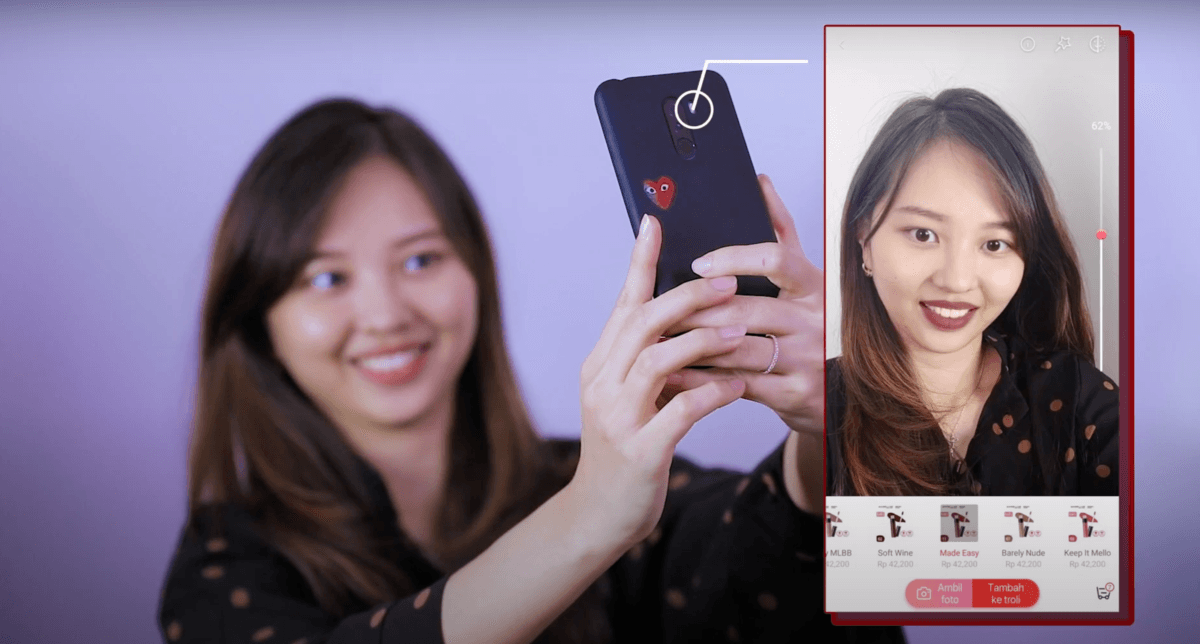
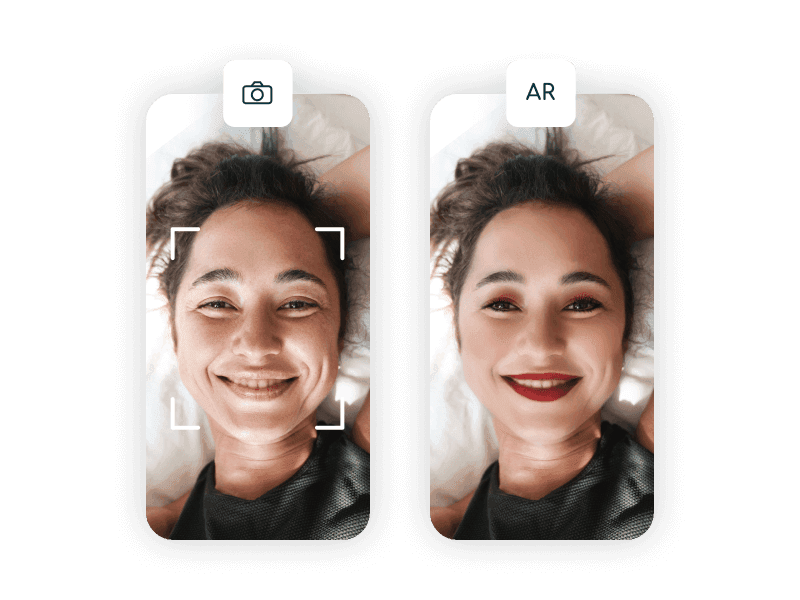
A camera shade finder photographs or live-tracks the face, locates skin regions away from the lips and eyes, and estimates a tone and undertone from the pixels. Some products also overlay the suggested shade so the shopper can see it on themselves.
With good lighting and a reference in frame, measuring the skin directly is more accurate than self-report.
The problem is one shared by all camera-based beauty tools. The phone applies its own automatic white balance and exposure before your code sees a frame, the light in the room is unknown, and the shopper's screen has its own colour profile. The usual workaround is to have the shopper hold a known reference in frame, such as a white card or in some implementations a specific credit card, or to sit facing a window. Each of those steps loses some shoppers.
Shopify's write-up on AR shopping, citing the Benchmarking Company, puts facial complexion products at the top of its difficulty ranking for beauty, ahead of self-tanning and body makeup. Those are also the products where the tool has to measure skin tone, which is what a phone camera measures least reliably.
Quiz and camera side by side
| Shade quiz | Camera shade finder | |
|---|---|---|
| Accuracy ceiling | Limited by self-report | Higher, if lighting is controlled |
| Completion rate | High, no permission needed | Lower, camera prompt drops people |
| Works on desktop | Yes | Poorly |
| Privacy exposure | Low, ordinary preference data | High, biometric-adjacent |
| Build and change cost | Low | High |
| Explains its answer | Easily | Rarely |
Privacy rules for camera shade finders
Privacy is the big difference between a beauty shade finder and a furniture configurator.
A photograph of a face processed to derive characteristics about a person is personal data under the GDPR in Europe. Depending on how the processing works and what is retained, it can fall under the special category rules for biometric data used to identify someone, which carries a much higher bar. In the United States, state biometric privacy laws, with Illinois the strictest, have led to lawsuits against retailers over face-scanning features, including virtual try-on.
You can still build one. The processing should happen on the device wherever possible, with no image leaving the phone; that is a standard technical setup now and removes most of the risk. If an image does go to a server, you need a clear legal basis, an explicit and specific consent prompt instead of a buried cookie banner, a stated retention period, and a deletion process that works. The privacy notice should explain in simple words what happens, at the point where the camera opens. Have a lawyer in each of your markets review it.
What makes a shade finder convert
Across the interactive product-page tools we've seen, completion decides most of it. A camera flow with a permission prompt, a lighting instruction and a reference card has four places to lose people; a five-question quiz has one. If the camera finder is more accurate but half as many people complete it, the quiz produces more correct purchases in total.
The result should be one suggested shade plus one alternative. Shoppers come to a shade finder to be told which one to buy, and five options with equal weight send them back to guessing. Let them adjust the result by one step lighter, darker, warmer or cooler.
The most useful input is what the shopper already owns. Asking which product they wear now and translating it into your range gives you a fixed reference in place of their own perception of their skin.
What to build, in order
- Build the quiz first, weighted towards what the shopper already wears. Measure completion and return rate.
- Add swatch photos across a wide range of skin tones, with the shade each model wears labelled.
- If the quiz completes well and you still have a shade problem, add a camera finder on top of the quiz, with the processing on the device.
- Look at the products in your catalogue that don't involve choosing a shade. Tools, devices, brushes, packaging, sets and refill systems are bought on size, shape and build quality, which is what a 3D viewer shows. That part is what we build.