Furniture and home5 min read
3D renders and clips for Instagram, Pinterest and TikTok: what formats actually work
Aspect ratios, clip lengths and the kinds of 3D content that hold attention on each platform, plus what changed when Meta shut its AR effects platform down.
By CharpstAR · 4 Oct 2023 · Updated 22 Sept 2026

Once a furniture or home brand has 3D models, the social team is the next department to notice. A model can generate an unlimited number of images and clips without booking a photographer, which sounds like a content problem solved. It is not quite that, because each platform wants a different shape, a different pace and a different kind of attention. This is a practical guide to what to output and why.
Start with the shapes, because they decide everything else
Vertical is the default for feed video on Instagram and TikTok, since both are used almost entirely on phones held upright. Pinterest is the exception worth knowing about: Pinterest's own creative guidance recommends a vertical 2:3 ratio, around 1000 by 1500 pixels, and warns that larger ratios may get cut off in the feed.
Practically, that means rendering out of the 3D scene at three shapes rather than cropping one:
- 9:16 for Reels, Stories and TikTok.
- 2:3 for Pinterest.
- 4:5 or 1:1 for the Instagram grid, where a taller image takes more vertical space in the feed.
This is the single biggest advantage of working from a model rather than a photo shoot. A photograph is composed for one frame and cropping it wrecks the composition. In a 3D scene you move the camera, re-frame for each ratio, and render again. Same cost, three native formats.
What each platform actually rewards
Instagram. Reels favour motion in the first second and a clear subject. For furniture, the clip that performs is usually the transformation: a sofa module sliding into place, a fabric changing across a cut, a stove door opening. Static renders still work in the grid, where the job is to look like a room somebody wants, not like a product on white.
Pinterest. Closer to a search engine than a social feed, and the behaviour is planning rather than browsing. Renders of a complete styled room, with your product in it and the rest of the scene plausible, do the work here. Pinterest users save now and buy months later, so the value is the saved pin pointing back at a product page that still exists. Keep the URL stable.
TikTok. Pure-render content is the hardest sell here because the platform's default register is a person talking. What works is 3D used as an insert inside a human video: someone explaining a sofa and cutting to an exploded view of the frame, or showing the difference between two depths at real scale. The 3D carries the information, the person carries the attention.
The general rule across all three: 3D content that shows something a camera cannot is worth posting, and 3D content that imitates a photograph is not. A cutaway, an exploded view, a scale comparison, a cushion filling compressing under weight, a stove's airflow: these are reasons to use a model. A render of a sofa on a plain background is a worse photograph.
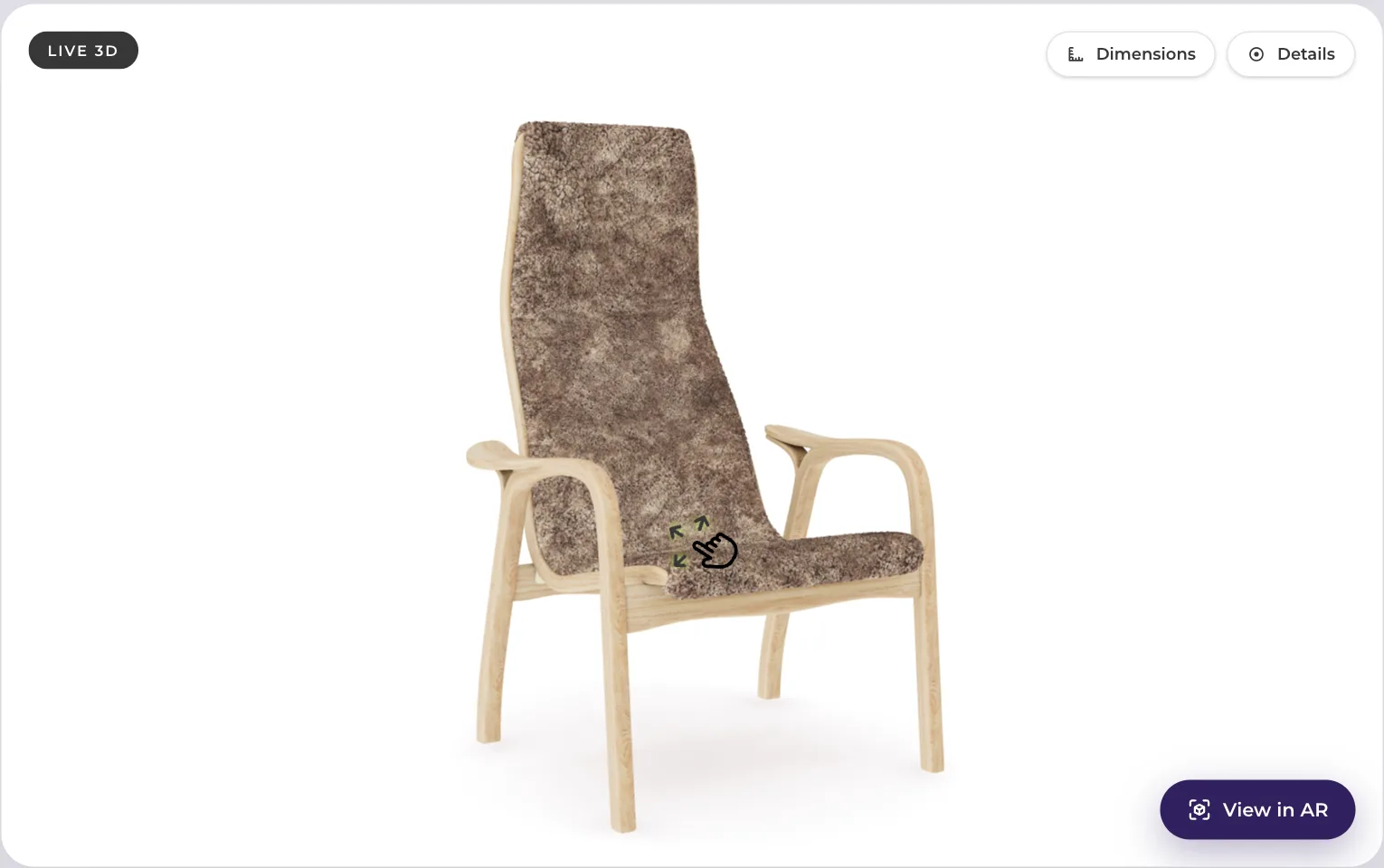
A realistic output list from one model
For a single hero product, a sensible first batch:
| Output | Format | Purpose |
|---|---|---|
| Turntable, 5 to 8 seconds | 9:16 | Reels and TikTok, shows the whole object |
| Variant sweep across fabrics or finishes | 9:16 | The range in one clip, stops the "what colours" comments |
| Styled room still, two variations | 2:3 | Pinterest, saved and re-found later |
| Detail macro of a joint, seam or handle | 4:5 | Grid post about build quality |
| Exploded or cutaway view | 9:16 | Explains construction, useful in paid too |
| Scale comparison against a known object | 9:16 | Answers the size question before it is asked |
Keep the clips short. Longer edits of rendered furniture do not hold attention, because there is no narrative and viewers understand the object within a few seconds.
The thing that changed: brand AR on social is gone
If your plan involves a branded AR filter, read this first. Meta shut down the Meta Spark platform on 14 January 2025. From that date, AR effects built by third parties, including brands, stopped being available on Instagram, Facebook and Messenger. Meta's own effects continue, and Meta said it was shifting resources towards new form factors such as glasses.
So the AR half of social media brand activity, which absorbed a lot of budget between 2019 and 2023, has largely stopped existing. What survives is rendered content posted as ordinary images and video, plus AR on channels you control.
That is the argument for putting the interactive part on your own product page rather than in someone else's app. Apple's AR Quick Look and Google's Scene Viewer ship with the operating systems, work from a link, and cannot be switched off by a platform's strategy change. Social gets the clip, your site gets the interaction, and the link in the post is what joins them.
Production notes that save arguments later
Render at the highest sensible resolution once. Downscaling for a platform is free. Re-rendering because you exported at feed resolution and then needed a print crop is not.
Keep the scene, not just the output. The value of a 3D pipeline is that next season's campaign is a lighting change, not a new shoot. If your provider hands over flattened files only, you have bought photographs with extra steps.
Match the product exactly. A render with a fabric that is slightly too warm becomes a return when the real thing arrives. This matters more on social than on the product page, because social content is shared and screenshotted long after the fabric was discontinued.
Decide who owns the asset. Before commissioning, agree in writing which files you get and in which formats.
What our clients do with it
MELIMELI had exactly this problem in reverse: producing inspiring, informative content for large furniture was expensive, and their sales are overwhelmingly online. The 3D work improved internal content production as well as the customer-facing experience. Sweef has a modular product whose selling point, the number of configurations, is also its content problem, and a model is the only affordable way to show a fraction of them. Contura built from CAD, which gives renders that match the manufactured product exactly.
If you want to see what your product looks like as a model before committing to a content plan around it, send us one product and we will build it for free. It is yours to keep. Ongoing pricing starts at 10 dollars per product per month on Basic with a 12-month term and a 100-variant minimum, or 20 dollars per model per month on Value with a 24-month term. More about what we produce is on solutions.
Sources
- Pinterest, creative best practices.
- Meta, a Meta Spark update.
- Apple, AR Quick Look.
- Google, Scene Viewer documentation.